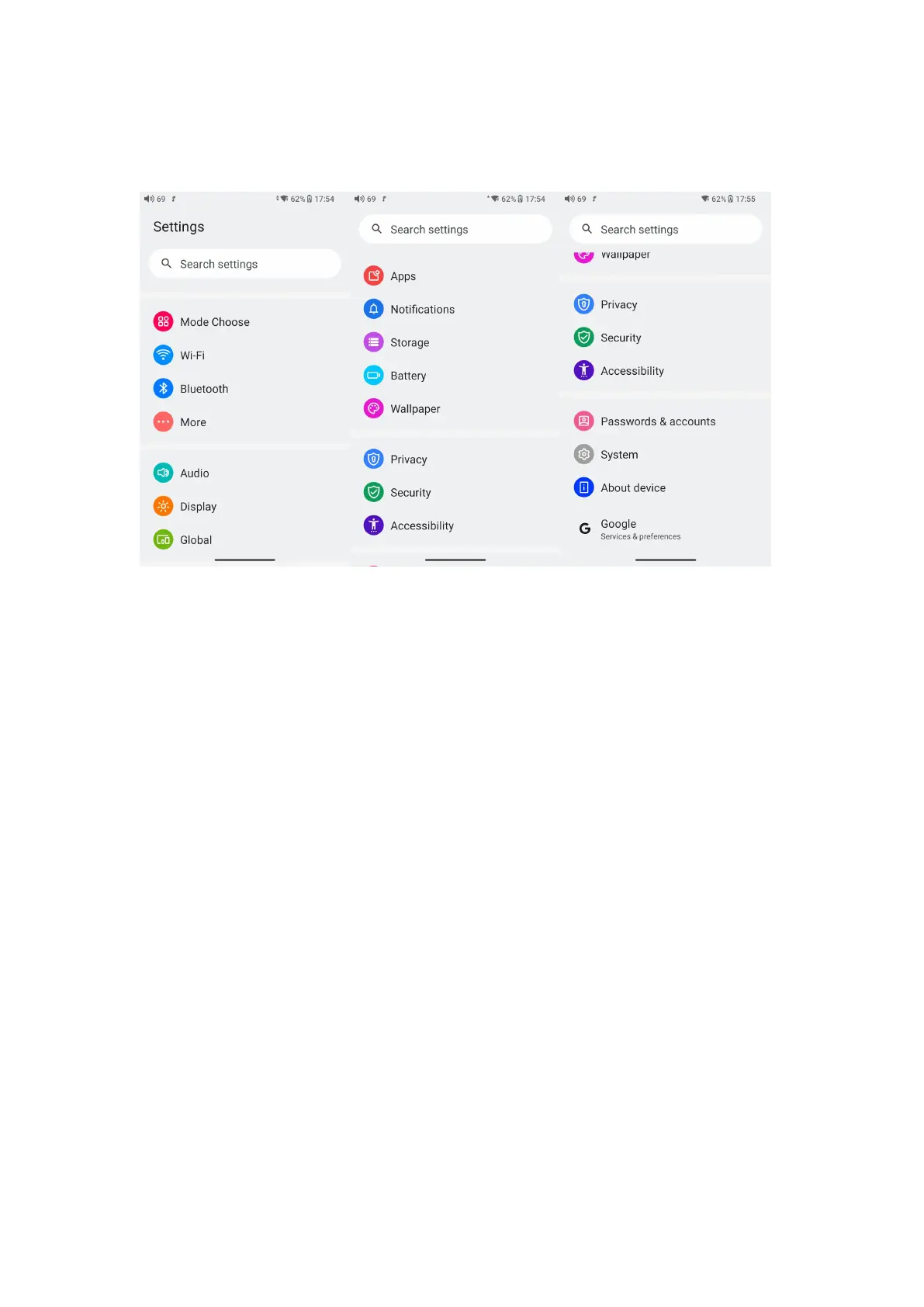
Introduction to Settings menu
WiFi
The JM21 supports a WiFi connection of 2.4/5G dual-band for music
resources access. Here are the steps to connect the JM21 to a new WiFi
device.
1) In the settings menu of the JM21, tap "WiFi".
2) Turn it on. The JM21 will automatically search for and list available
WiFi devices nearby.
3) Tap the intended WiFi device and connect them.



 To Next Page