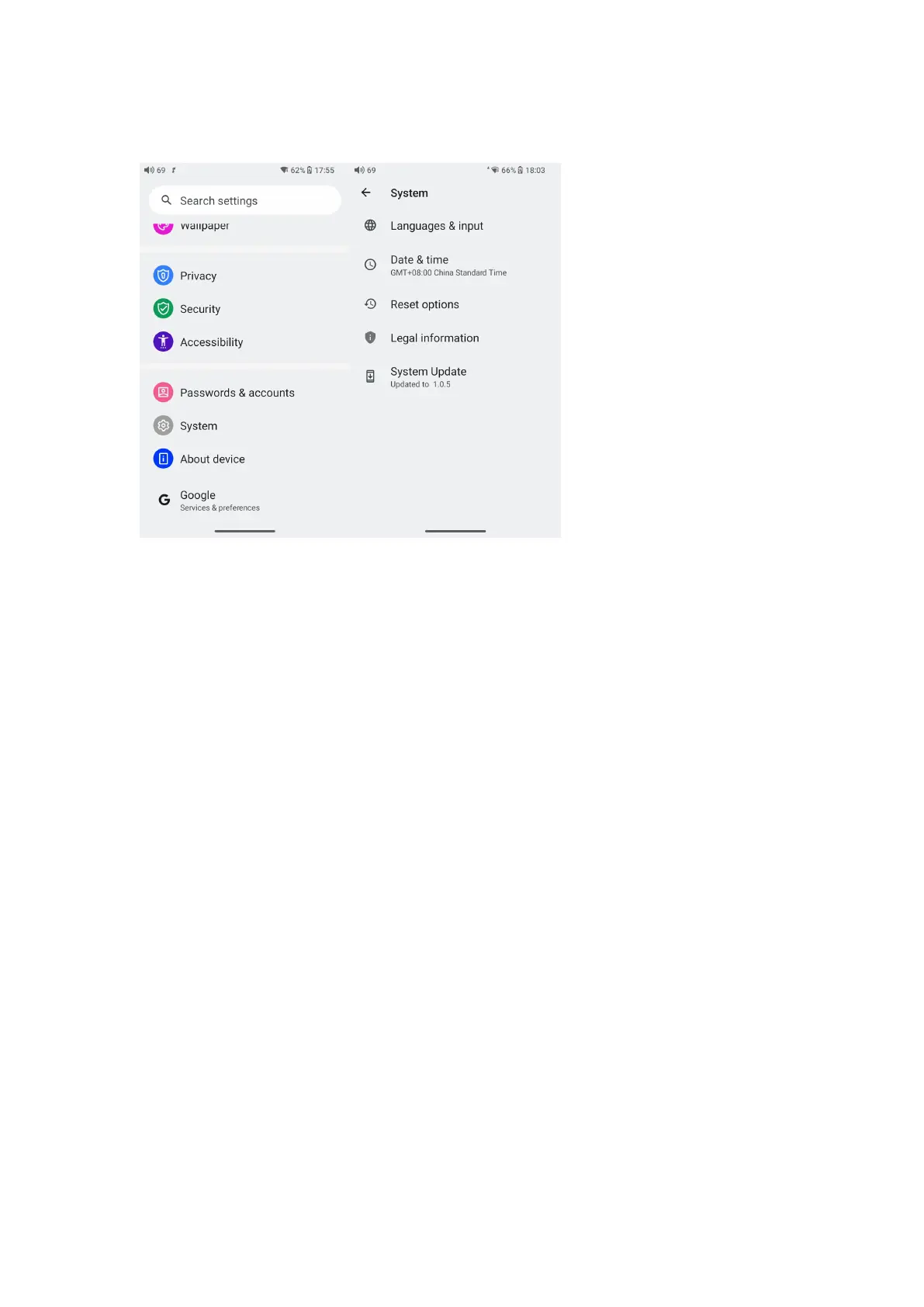
System
Languages & input
The first time the device starts up, you can choose an appropriate
language from the prompt.
If you want to choose other languages, you can go to the Settings
menu. Here are the instructions.
1) Go to the menu of Settings-> System-> Languages & input->
Languages;
2) In the Languages page, tap Add a language;
3) Select a language;
4) After selecting the language, hold the “=” icon on the right side of
the target language and drag it to the top, so to successfully select the
language.



 To Next Page