2. Switch the volume adjustment mode to Sync Bluetooth volume.
3. Disconnect and reconnect the Bluetooth device.
Note: When the Bluetooth is enabled, the JM21 will preferentially
connect to the last-connected available Bluetooth devices.
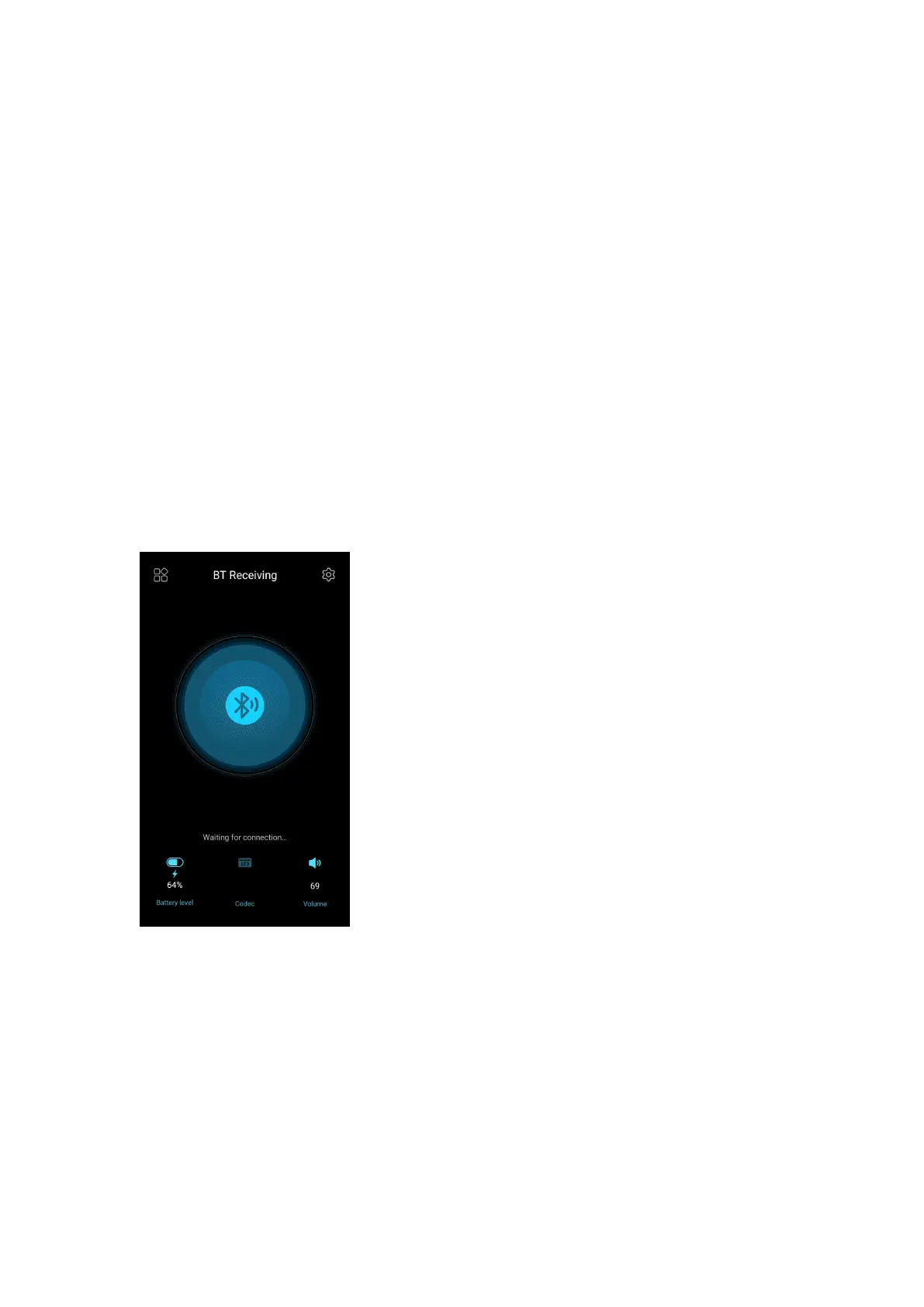
Bluetooth receiving
When the JM21 is working as a Bluetooth receiver to connect to a new
Bluetooth device, such as a mobile phone, turn on the Bluetooth, go to
the Settings menu-> Mode choose, and select Bluetooth Receiving
Mode. When it is enabled, the JM21 will automatically enter the BT
Receiving UI.



 To Next Page