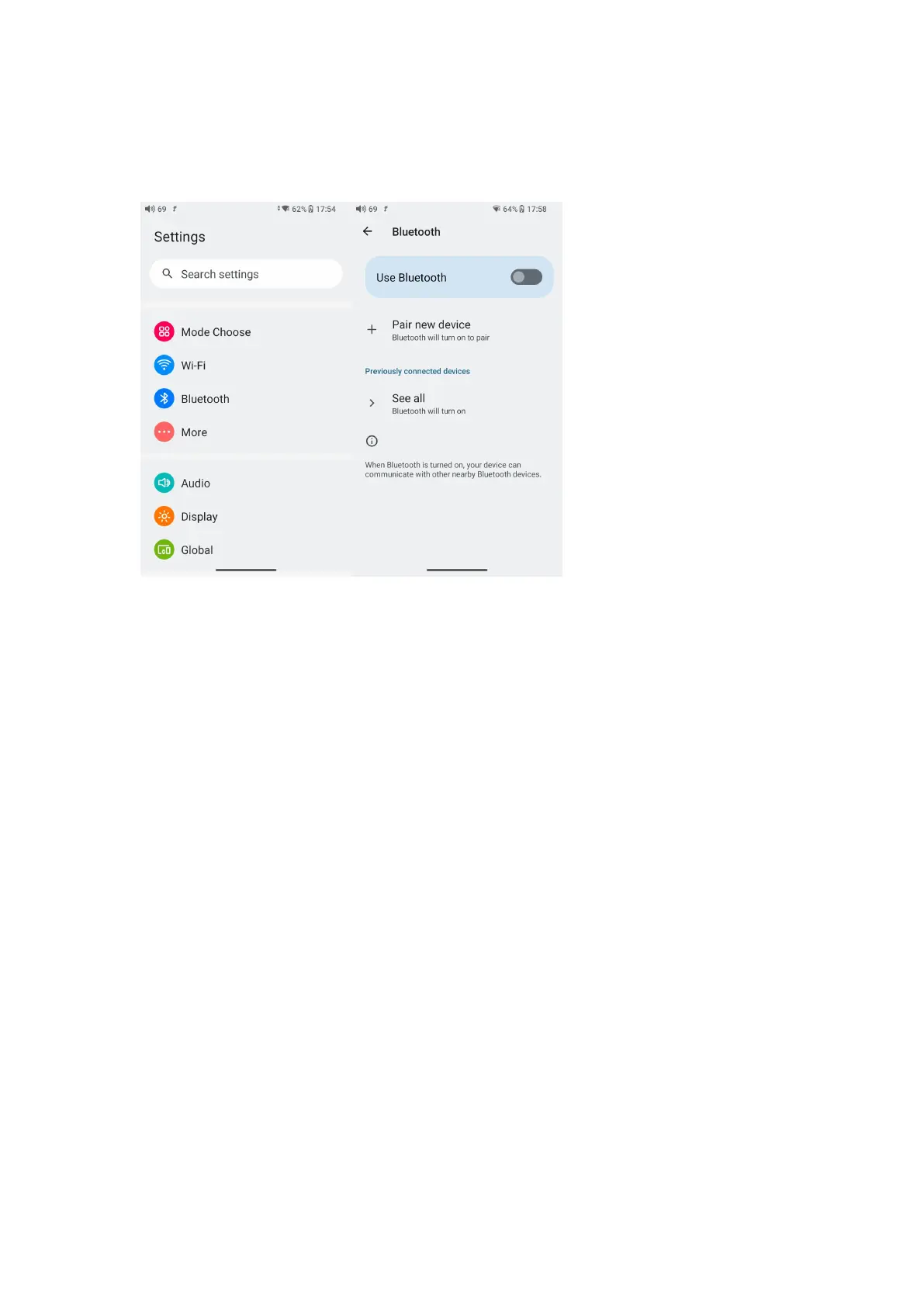
3.Go to the Bluetooth device list of the JM21->Pair new device to
complete the connection.
What can be done if the JM21 fails to connect to Bluetooth
earphones?
If it fails to connect to Bluetooth earphones for the first time, please
make sure the earphones are under pairing state (the connection will
fail if the earphones are under reconnecting state for the first-time
connection). Go to the Bluetooth menu of the JM21 to start the
connection.
What Bluetooth codecs does the JM21 support? And how to switch
the Bluetooth codecs?
The JM21 supports LHDC, LDAC, aptX-HD, aptX, AAC and SBC which
can be switched on Settings->Audio->Wireless playback quality menu.
Note that it needs to be disconnected and reconnected to enable the
new codec after changing it.
What can be done if the volume is too low when the JM21 is
connected to AirPods?
1. Go to System Settings-Audio and find the Bluetooth volume
adjustment mode.



 To Next Page