Please hold the power button for around 10 seconds until the
"FiiO"logo shows up.
3.Factory data reset
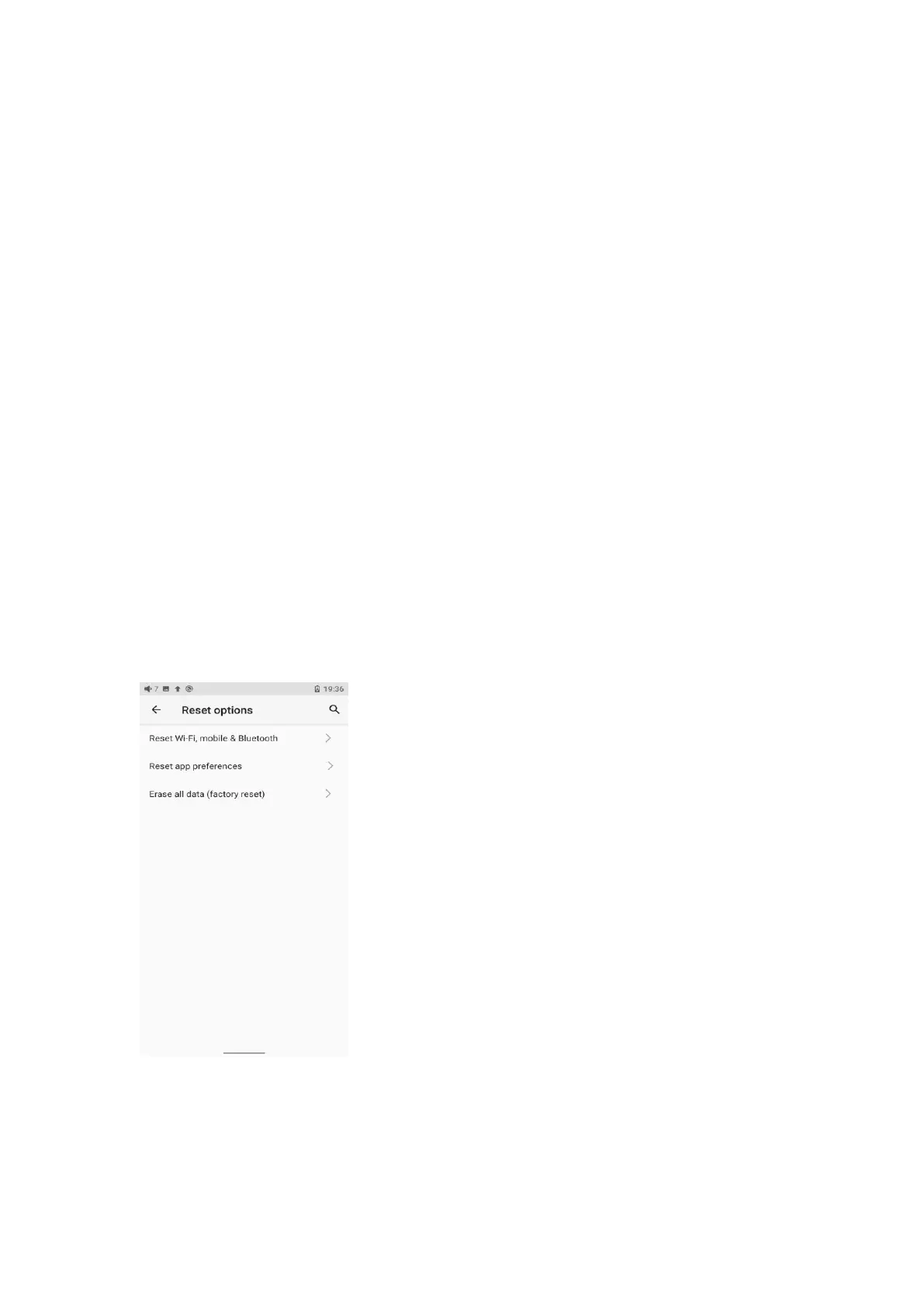
If there are some problems happened to the device, perform the factory
data reset would help (In the menu of Settings->System->Reset
options).
Notes: The "Factory data reset" will erase all data from the internal
storage and reset the device to defaults. Please backup corresponding
files in advance.
4.Technical support



 To Next Page