With it turned on, the sample rate of the currently playing song will be
displayed.
Dark theme
With it turned on, the theme will switch from the default white theme to
a dark theme.
Brightness level
Adjusting the brightness of the JM21.
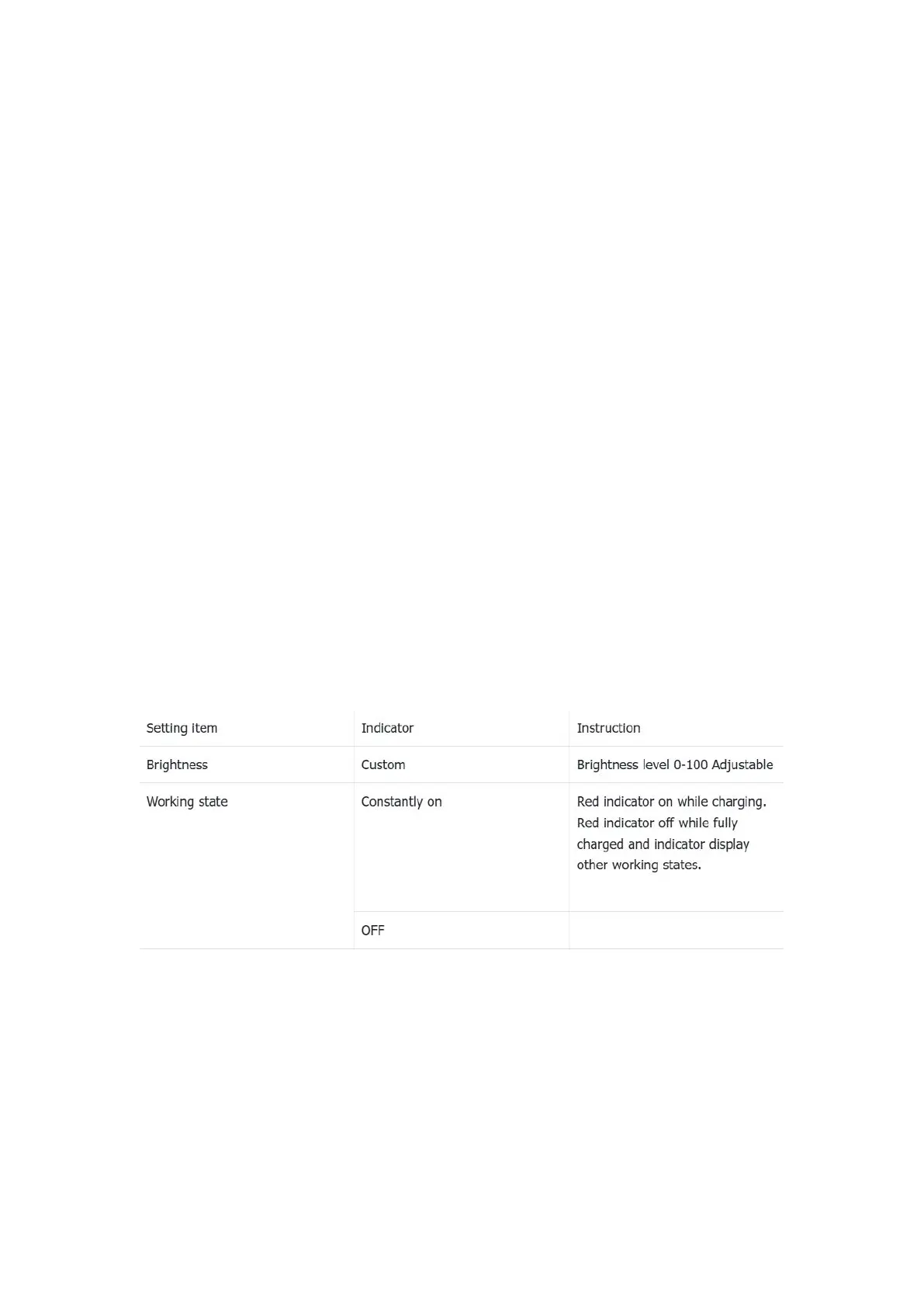
Indicator light control
Working: while working, two states can be set: constantly on and off
On/off with the display: After enabling it, the indicator will on on off
synchronously with the screen
Indicator colour setting instruction:
Night light
The color of the display screen will be adjusted in amber under Night
light mode. You could enable the Night light mode at a custom time , or
from sunset to sunrise.
Screen timeout



 To Next Page