24
Slide to fast forward/rewind: tap anywhere on the progress bar below the album cover area to fast
forward or rewind playing;
Note: While in the lyrics display page, you can adjust the playback progress by sliding over the
lyrics, adjust lyrics timeline or adjust font size.
8. EQ
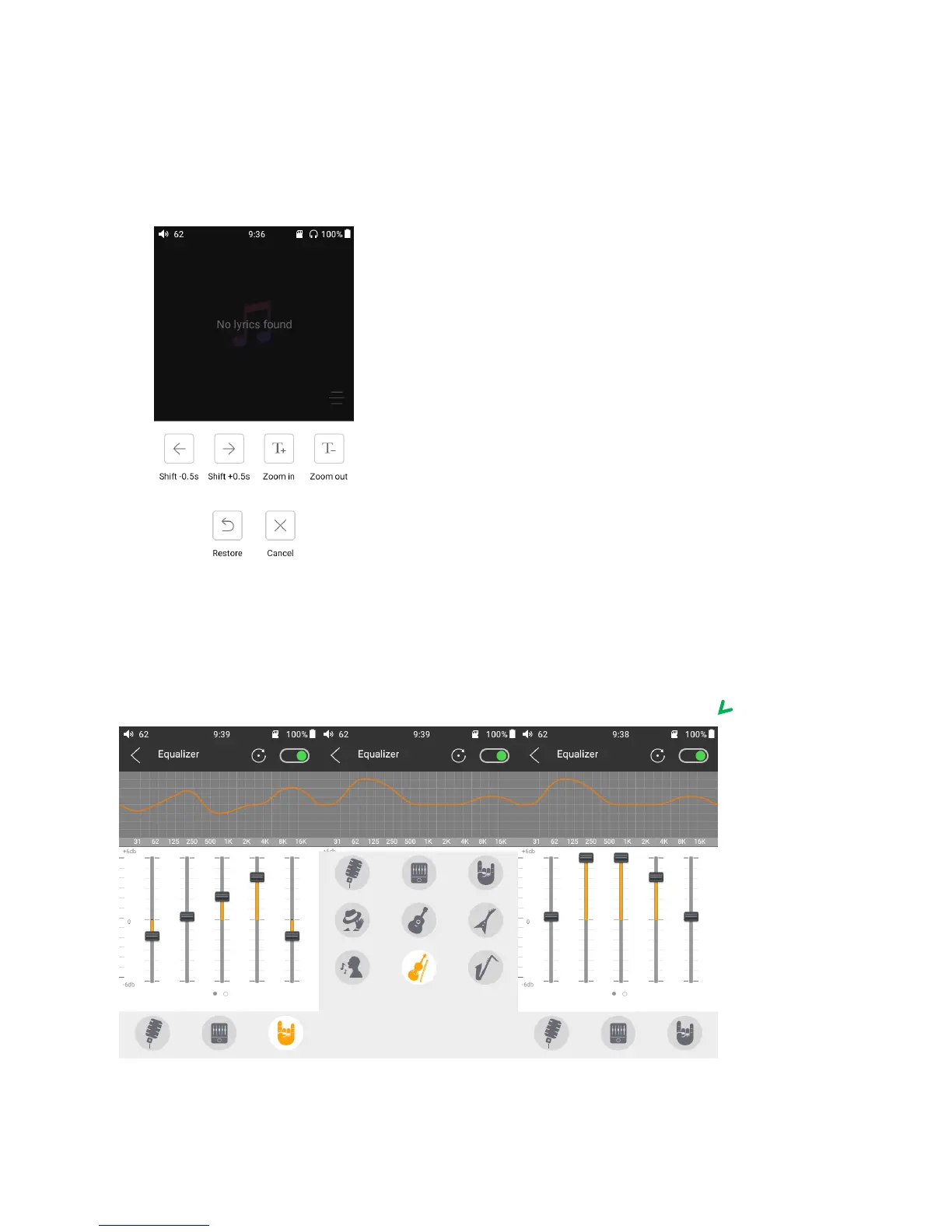
FiiO Music has built-in a graphic equalizer. One may choose between the given genre presets
directly, or adjust the ten frequency bands from 20 to 20kHz independently from -6 to +6 dB, thus
satisfying your personalized listening needs.
1) Choose preset EQ: Swipe up from the bottom of the screen to show the full list of EQ presets, tap



 To Next Page