6
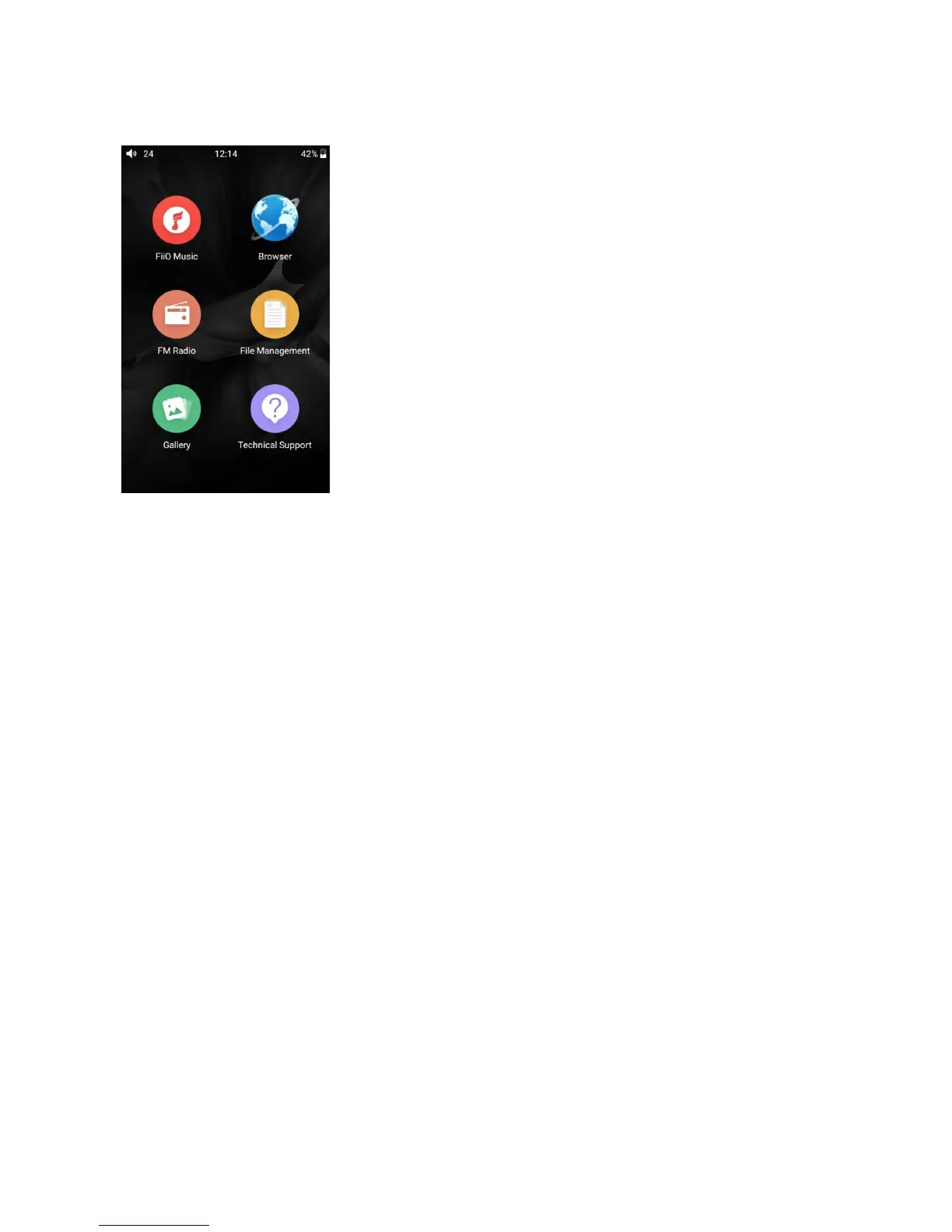
●Main menu display
●Bluetooth function
M7 supports virtually all Bluetooth formats including the high-resolution ones for your ultimate listening
pleasure, including: 24bit aptX-HD(also backwards compatible with aptX), LDAC and HWA. M7 can also
be a Bluetooth transmitter or a Bluetooth receiver (M7 is required to update to FW1.0.6 or above) .
Bluetooth transmitter
To use the M7 with new Bluetooth devices (e.g. Bluetooth earphones, speakers, remote controls), the M7
must first be paired with the device as follows:
1) Tap the Bluetooth in setting as shown in the picture below;
2) If Bluetooth on the M7 is off, turn it on by clicking the switch on the upper right to the “ON” position
on the right;
3) Tap “SEARCH FOR DEVICES” at the bottom of the screen to have the M7 search for and display nearby
Bluetooth devices;
4) Tap the name of your Bluetooth device to pair with it. Successfully paired devices will appear under the
“PAIRED DEVICES” list:



 To Next Page