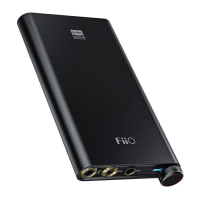
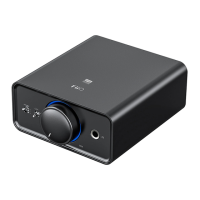
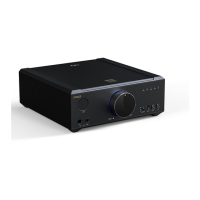
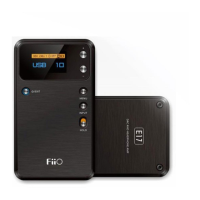
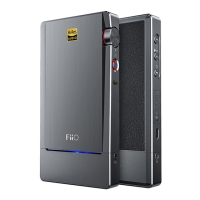
then adjust the output volume of the Q5 to a suitable level with its volume knob.
Firmware update
The Q5 supports firmware update, please go to www.fiio.net to check for the
instructions.
Precautions
★Please set the volume with moderation to protect your hearing and your audio
equipment
★Please take off the headphone from your ears before plugging or unplugging the
headphone to avoid any possible impulsive sound damaging your hearing.
★Do not disassemble, expose the unit to water or carry out unauthorized repair on
the unit.
★If the unit is to be left unused for a long time, it should be recharged periodically to
preserve its battery life.
★Your hearing and environmental awareness are affected when using headphones.
For your own safety, please do not use headphones in dangerous environments.
★If the system shows an error, please press the Reset button or hold the power
button for 10s for a forced shutdown to restore to normal operation.
List of items included in package
(please check to make sure that all items are included)


 To Next Page