13 / 35
F. Pictorial guide to operating the X5
1. Android Mode
The Android interface of the X5 is similar to that of other Android device, for an intuitive
operating experience.
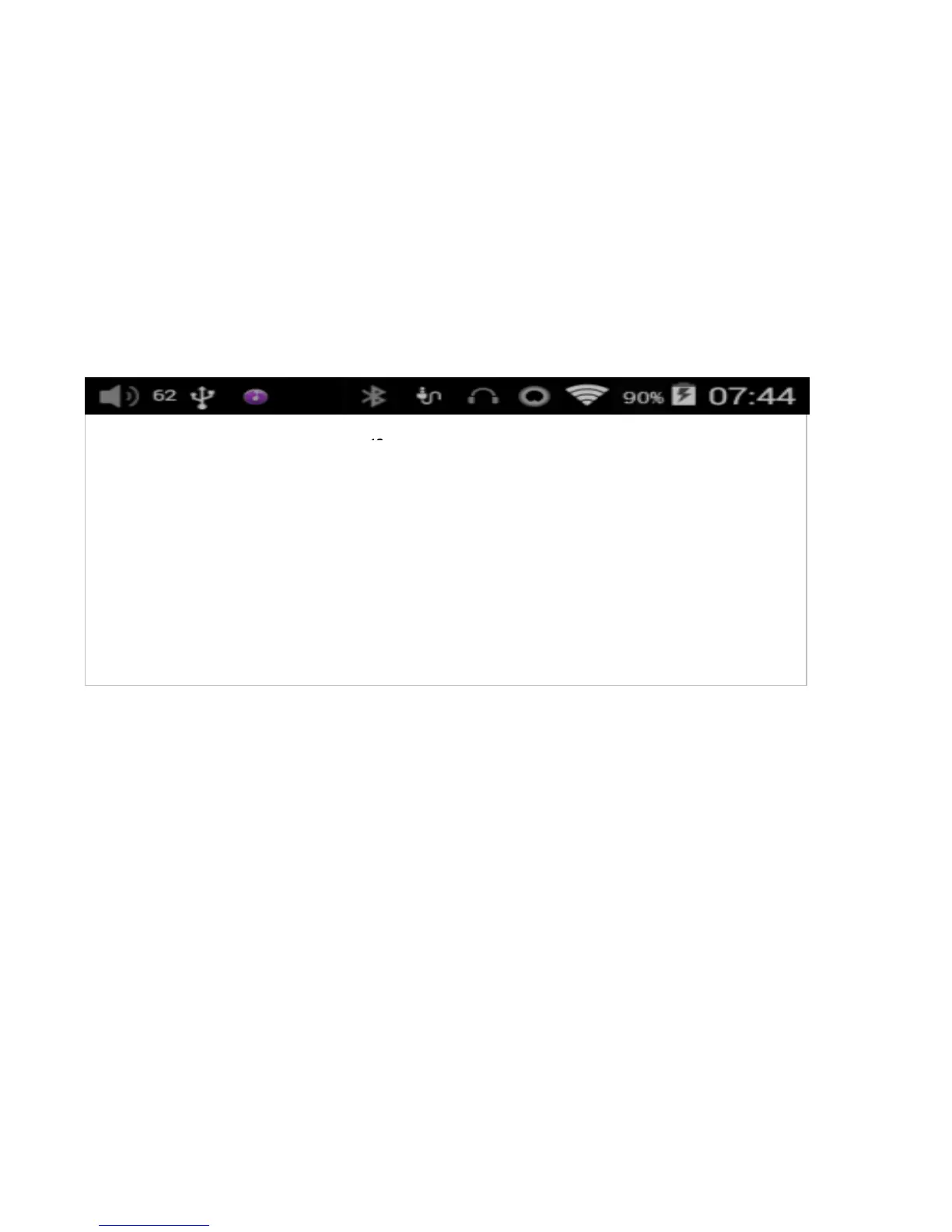
1) Status bar
The status bar at the top of the screen displays various info on the current status of the X5:
2) Notifications panel
The notifications panel displays various system notifications. Pull down from the
top status bar to show the notifications panel. Pull up from the bottom of the panel
or tap the back or home buttons to dismiss the panel.
Info on the current status:
1——Volume icon 2——Current volume level
3——USB connected 4——FiiO Music
5——Bluetooth on 6——S/PDIF connected
7——Headphone connected 8——Balanced headphone connected
9——WiFi on 10——Battery level
11——Battery icon (charging) 12——Time



 To Next Page