8 / 35
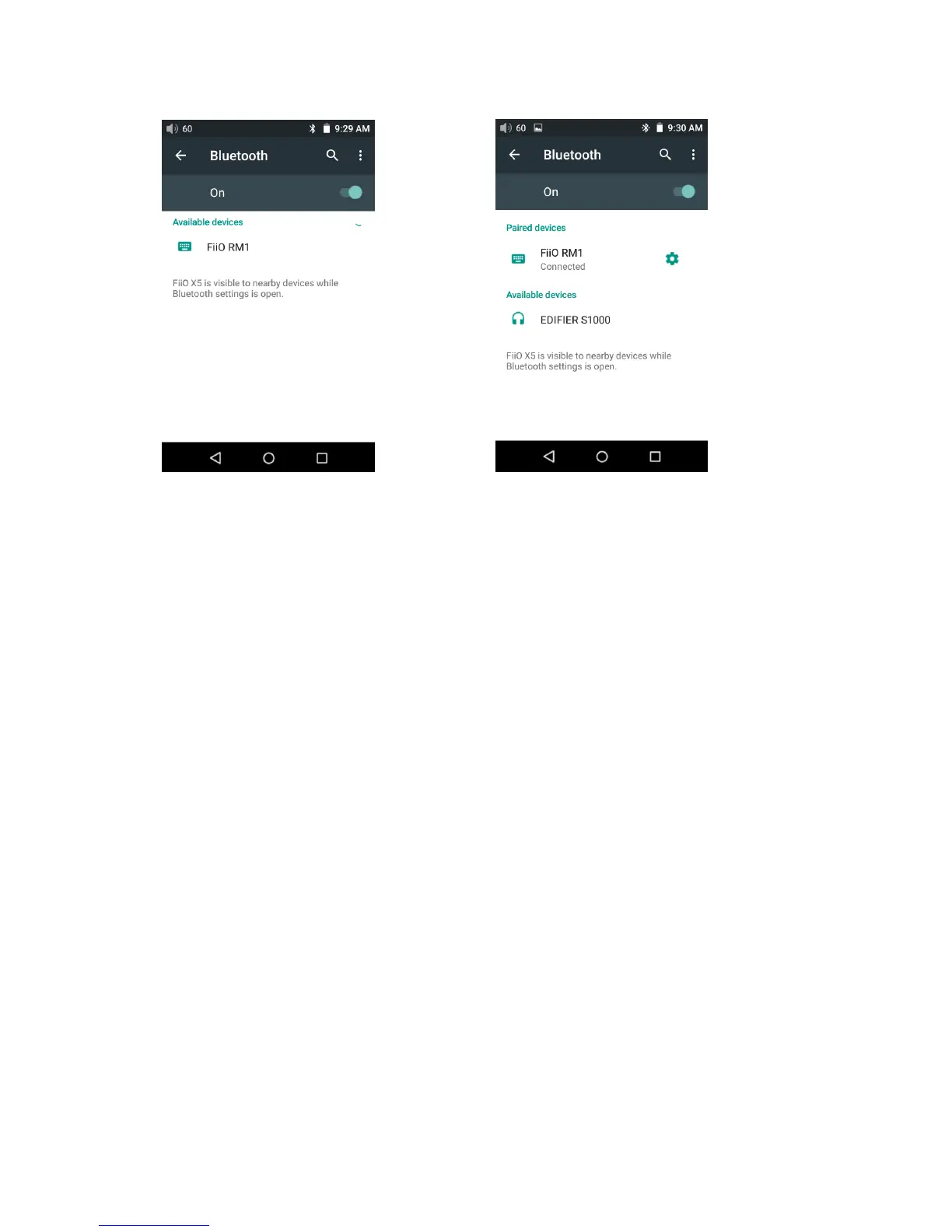
Notes:The X5 will pair with the device it last paired with by preference.
2. WiFi
The X5 may connect to the Internet or other network resources to obtain music
resources or (in Android mode) perform other Android functions; it may also stream
music to WiFi audio devices
To connect the X5 to WiFi devices / hotspots:
1)Pull down the Quick Settings menu from top of the touchscreen and hold your finger on the Wi-Fi
icon to enter the Wi-Fi settings menu;
2)Slide the WiFi switch to the right (ON) and the X5 will automatically search for and display available
WiFi connections:
3) Tap the name of the WiFi network you wish to connect to and enter the password if prompted, and
the X5 will connect to the network:



 To Next Page