6 / 35
C. Pure Music / Android Mode switch
1. Switching from Android to Pure Music mode
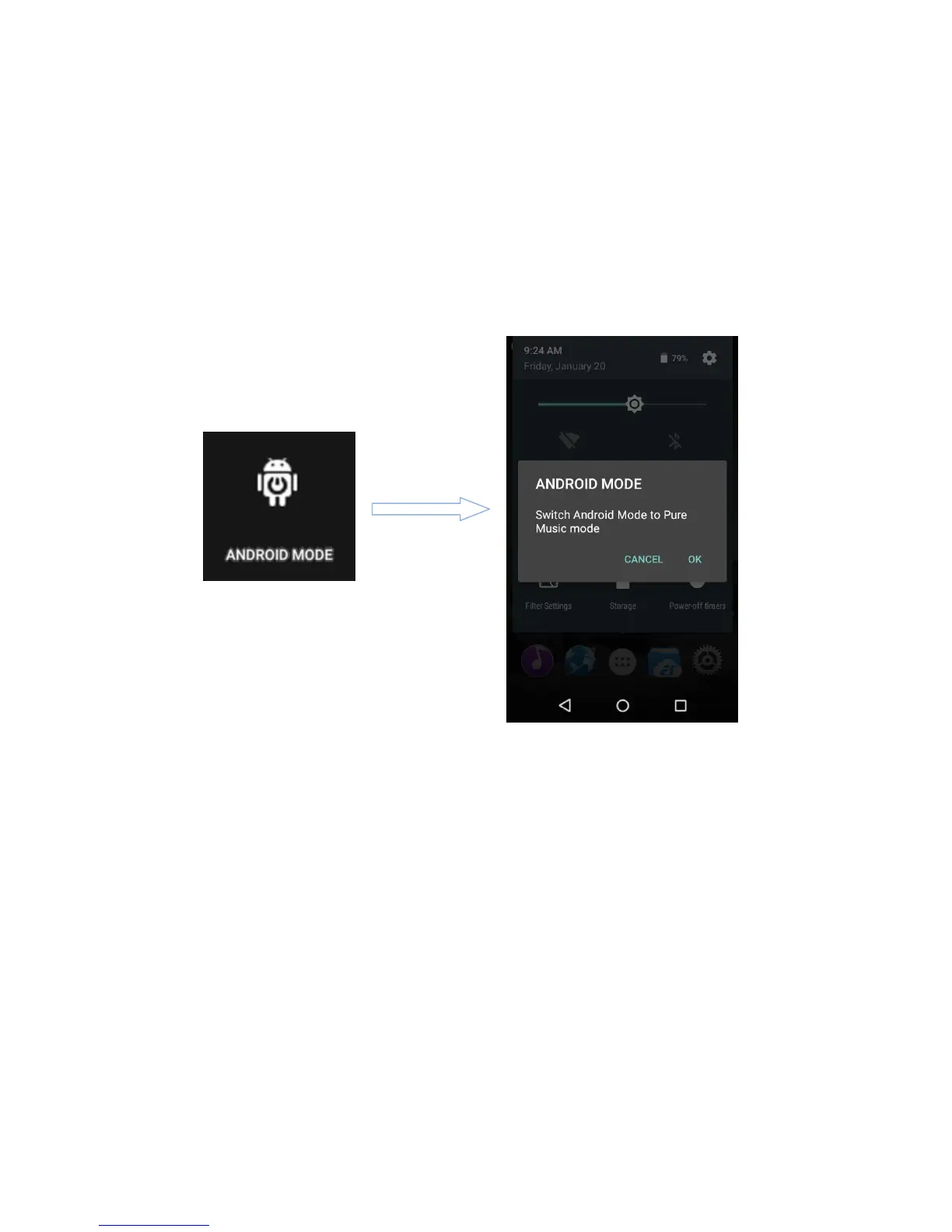
While in Android mode, Pull down the Quick Settings menu from the top of the touchscreen and tap
on the “Android Mode” icon; the player will prompt you on whether to switch the mode. Press OK to
switch the X5 to Pure Music mode, allowing uninterrupted music enjoyment with the built in FiiO Music
app.
2. Switching from Pure Music to Android mode
While in Pure Music mode, Pull down the Quick Settings menu from the top of the touchscreen and
tap on the “Pure Music Mode” icon; the player will prompt you on whether to switch the mode. Press OK
to switch the X5 to Android mode, allowing a rich music experience with 3
rd
party Android app
compatibility.



 To Next Page