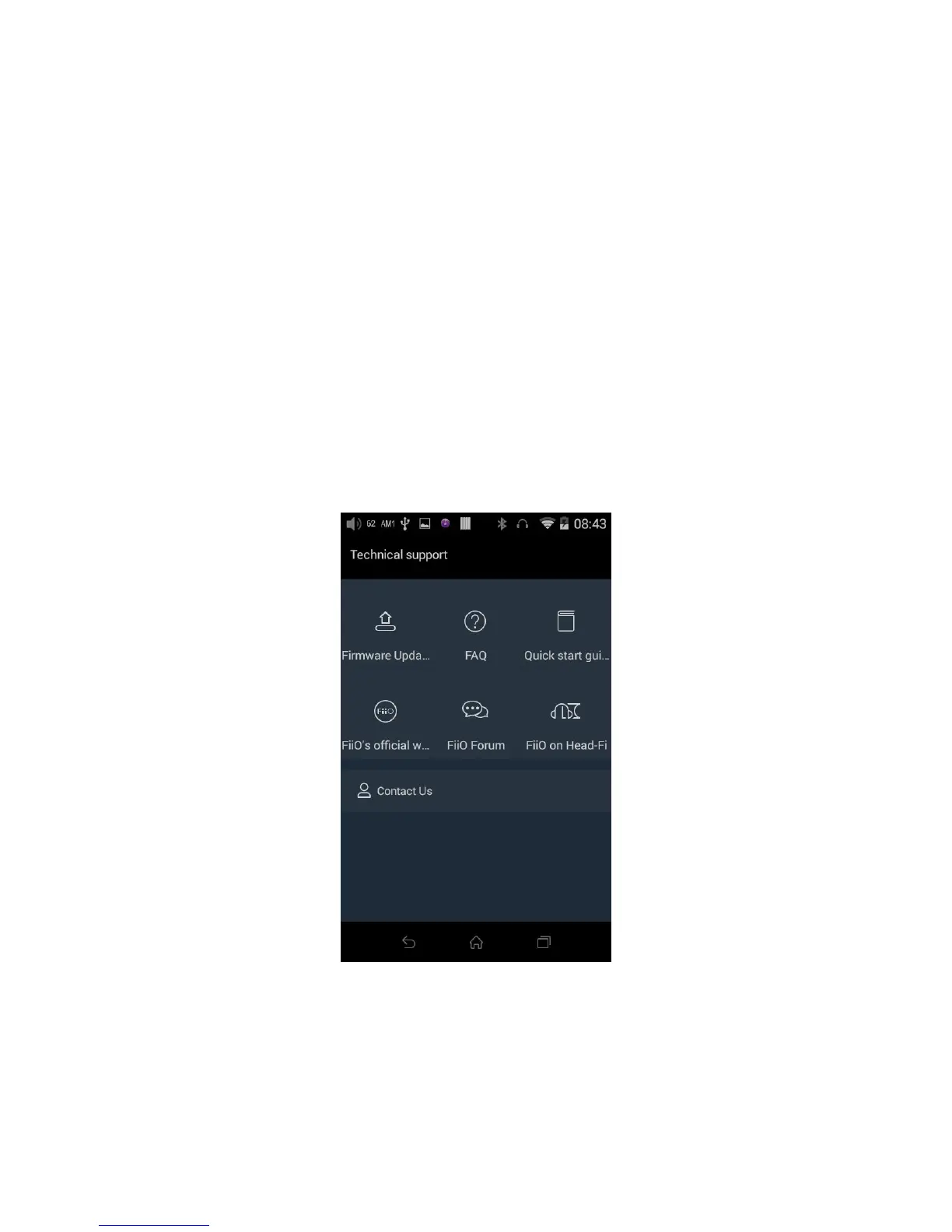
Tap “technical support” on the Android homescreen to enter the technical support menu, with the
following options:
Firmware update: tap to manually select an update zip package for updating the X7’s firmware (see
section E.2).
FAQ: tap to view a compilation of frequently asked questions on the X7 and their answers.
Quick start guide: tap to view the quick start guide for the X7.
FiiO’s official website: Tap to go to FiiO’s official website (internet connection required), to receive the
latest news and info on our products (including the X7);
FiiO Forum: Tap to enter FiiO’s official forums (internet connection required), to interact with other
music lovers online;
Head-Fi: Tap to go to FiiO’s forum on Head-Fi, world’s largest online portable HiFi community.



 To Next Page