19
/
40
performance from Android. Thus, some of the settings options differ from usual Android settings and will
be explained below:
To enter Settings, tap the cog icon (on the lower right of the homescreen by default). You may
also enter the app drawer and tap the cog icon there labelled “Settings).
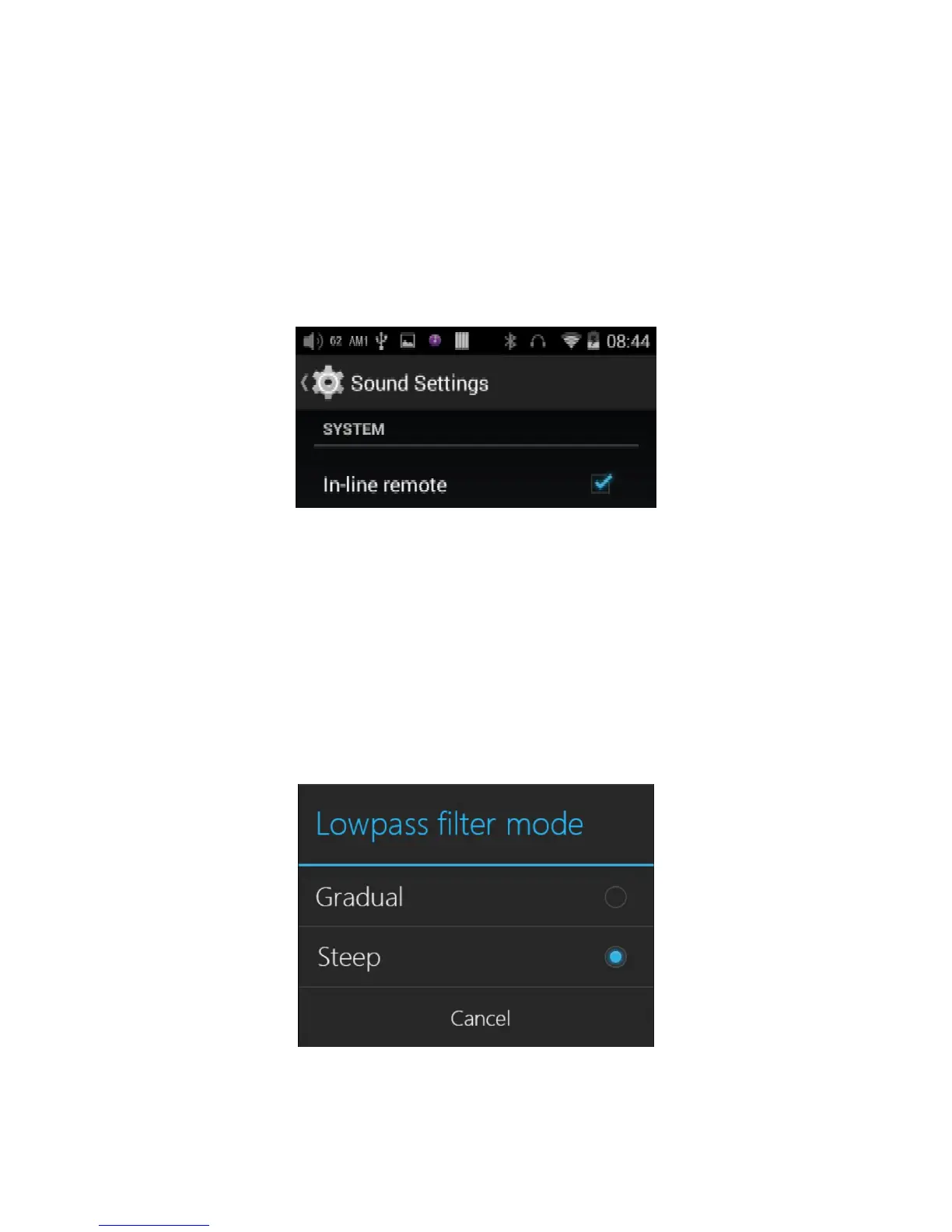
a) Sound Settings—In-line remote
Response to in-line remotes on connected headsets may be enabled or disabled by your choice.
b) Sound settings — Lowpass filter mode
The lowpass (antialiasing) filter for reconstructing the analog waveform at the end of the DAC may be
set to a gentle slope or a steep slope. It is recommended to set the slope to be gentle if the Nyquist
frequency of the file format is low enough to be possibly audible, and steep if it is not. Besides this, the
gentle slope rolls off the higher audible frequencies slightly compared to the steep slope.
*This function will implement via future upgrade.



 To Next Page