EN
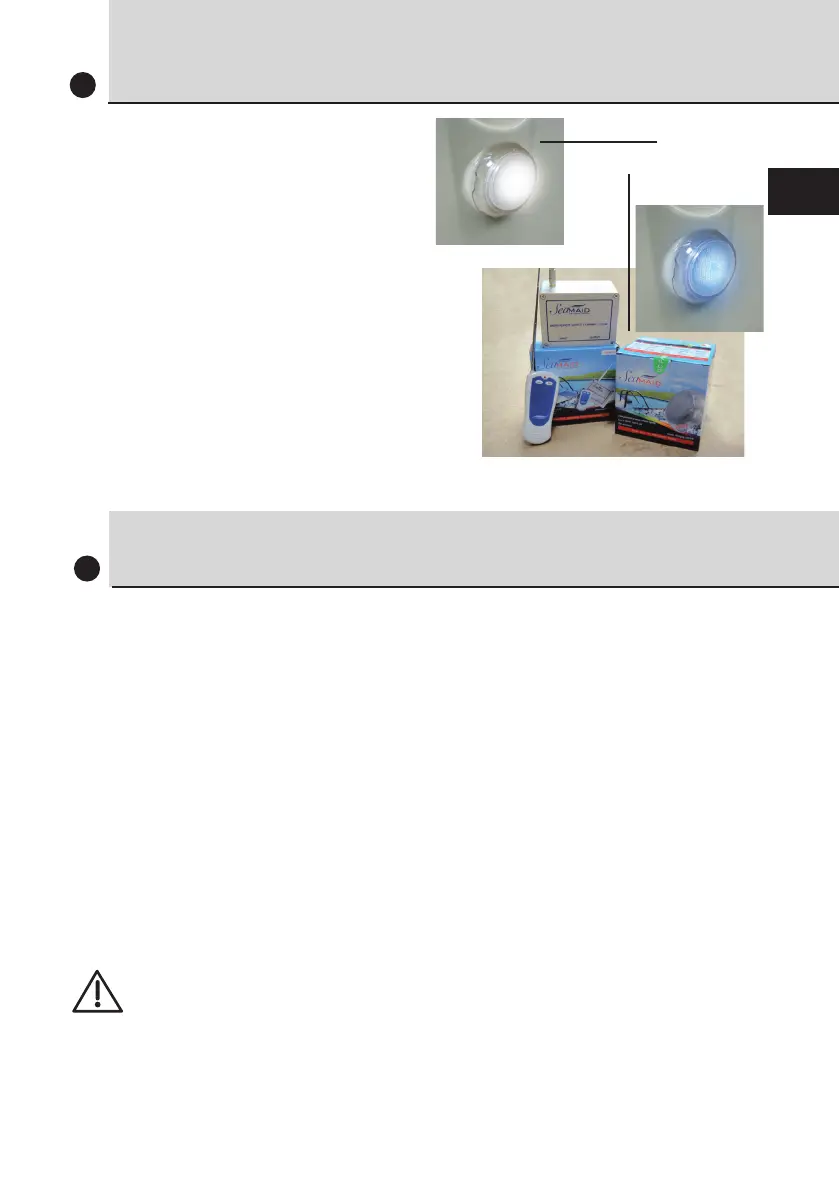
LED LIGHT
5
Your filtration unit includes a light
as standard.
A MULTICOLOUR LED light option
is also available in 11 non-animated
colours incl. white and with 5
sequence programmes (remote
control included)
(Manufacturer’s guide included)
Standard
Optional
SETTING THE TIMER
6
• Continuous mode ( 24-hour filtration)
Move the filter switch on the outside of the electrical panel to
«Manual».
• Auto mode (timed filter operation)
Move the filter switch on the outside of the electrical panel to
«Automatic».
Turn the clock hands to set the exact time relative to the pointer
(triangle) on the right of the clock.
Push the segments outwards to set the scheduled «On» times.
Sequencing principle:
Minimum 1 h of downtime after 4 h of operation.
> See the instructions attached to the panel


 To Next Page