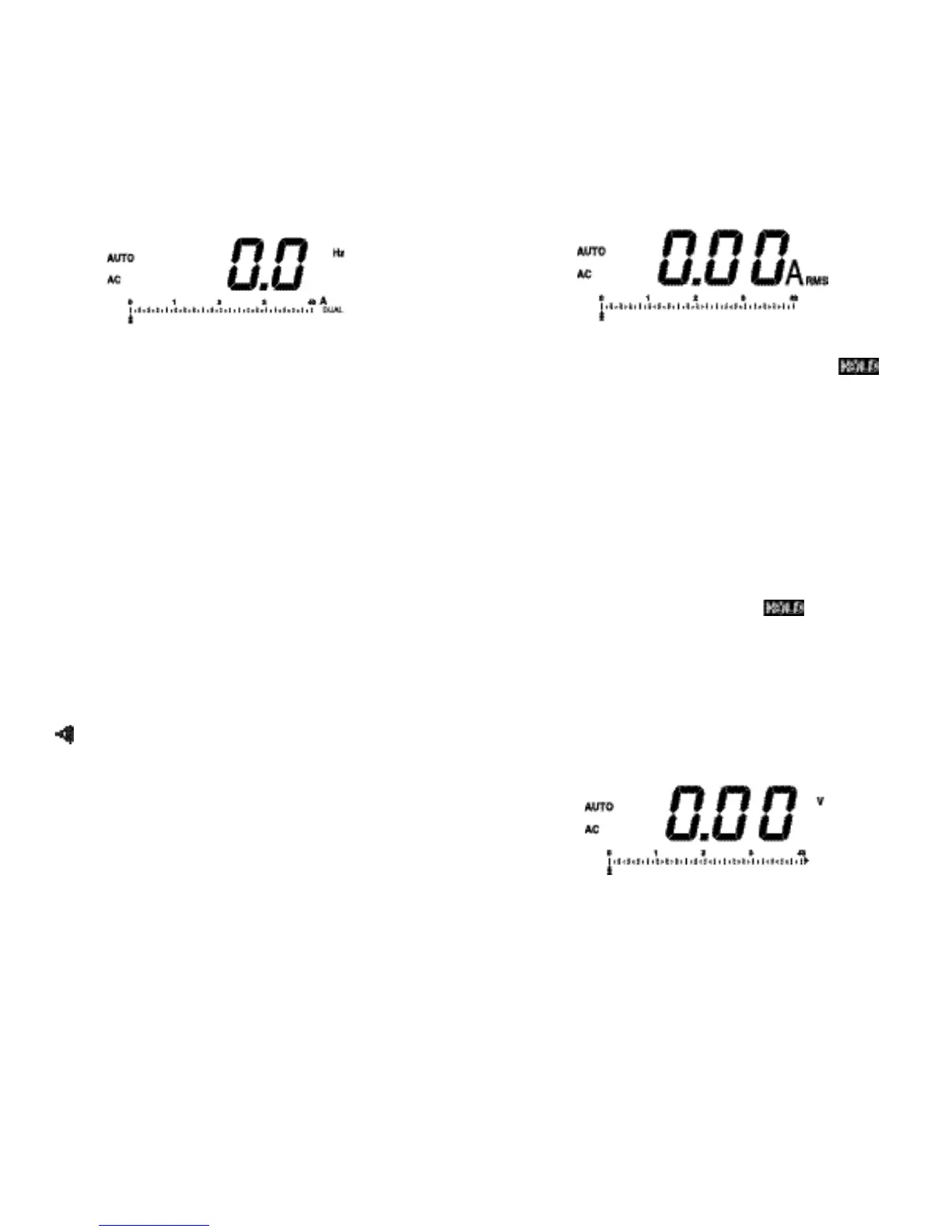
5.6 Measuring Frequency
To enable the frequency measurement mode, press the Hz
pushbutton. This Meter displays Hz, DUAL, and AUTO.
The frequency of the current flow is displayed. Auto
(autoranging) is applied to the bar graph, which represents
rms value of the current flow. When in AUTO, frequency
measurement uses an auto trigger threshold based on one-
half of the pea
k
current mea-surement. This provides the
best sensitivity and noise immunity.
To select a fixed 40A or 400A bar graph display (AUTO is
no longer displayed), press the RANGE pushbutton. With a
fixed 40A or 400A scale, fixed trigger thresholds are
imposed for frequency readings. The thresholds are 6A
(40A scale) or 40A (400A scale). The frequency display is
0.0Hz when a trigger threshold is not reached.
Pres
s
the RANGE pushbutton for 2 seconds and then
release in order to return to autoranging mode. This Meter
acknowledges with a beep sound and disp
l
ays AUTO on
the digital display. Press the other function (A or V or Ω or
) pushbutton to exit the frequency mode.
1312
5.7 Using Data Hold
To freeze the digital display reading (HOLD is not applied
to the bar graph.), press the HOLD pushbutton. is
displayed when HOLD is enabled.
When HOLD is used while measuring frequency, RANGE
can be changed only for imposing trigger thresholds of 6A
on the 40A scale, and 40A on the 400A scale. The
frequency reading will be 0.0Hz when HOLD is released, if
the trigger threshold is not reached.
When in the HOLD mode, this Meter function can be
changed from the he
l
d function to one of the other
functions, when HOLD is automatically released.
Pres
s
the
H
OLD pushbutton again ( is no longer
displayed) in order to exit HOLD.
Press the RA
N
GE pushbutton for 2 seconds and then
release in order to autoranging mode. This Meter
acknowledges with a beep sound and displays AUTO on
the digital display.
5.8 Measuring AC/DC Voltage
Press the V pushbutton to enable the vo
l
tage
measurement mode and then select AC or DC by toggling
the AC DC pushbutton.



 To Next Page