EasyManua.ls Logo

Finn HydroSeeder T170 - User Manual

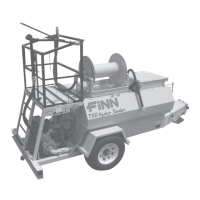
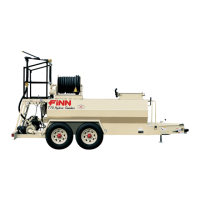
Finn HydroSeeder T170
122 pages
Print Icon
To Next Page IconTo Next Page
Loading...
T170 MB2023 Rev. H
9281 LeSaint Drive • Fairfield, Ohio 45014
Phone (513) 874-2818 • Fax (513) 874-2914
Sales: 1-800-543-7166
Activate
Activate
Your Warranty
Your Warranty
By Registering
By Registering
TODAY!!!
TODAY!!!
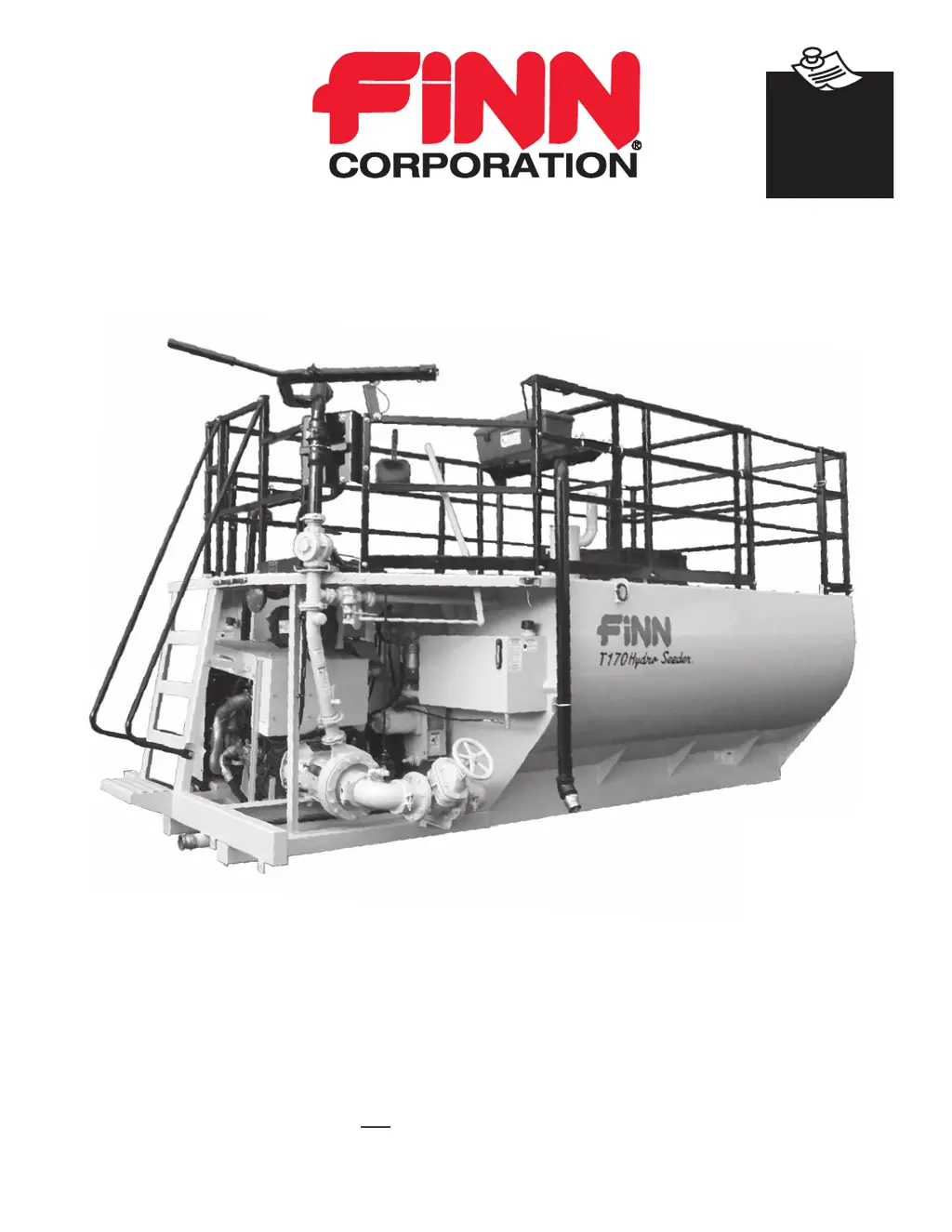
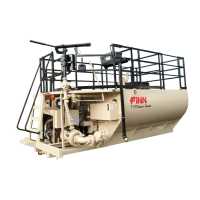
T170 HydroSeeder
®
Operator Instructions and Parts Manual
Model MB Serial No. _____________

Other manuals for Finn HydroSeeder T170

Questions and Answers

Summary

Activate Finn Equipment Warranty

Repairs and Parts Under Warranty

Instructions on how to get parts and repairs done under warranty.

Dealer Warranty Claim Processing

Steps for dealers to initiate and process a warranty claim.

Faulty or Failed Parts Procedure

Procedure for returning faulty parts under warranty coverage.

Warranty Coverage Period

HydroSeeder and Bark Blowers Warranty Duration

Specifies the warranty duration for HydroSeeder and Bark Blowers.

Safety First

California Proposition 65 Warnings

Information regarding California Proposition 65 warnings for engine exhaust and battery components.

HydroSeeder Safety Summary Section

Pre-Start Equipment Check

Checks to be made with the engine off before operating the machine.

Machine Operation Guidelines

Guidelines and precautions for operating the HydroSeeder machine.

Slurry Application Procedures

Safety precautions and procedures for applying slurry.

Maintenance Procedures

Procedures for maintaining the machine, including safety precautions.

Common Safety Decals

Additional Safety Decals

Additional safety decals used on the equipment for hazard identification.

Definition of Hydroseeding

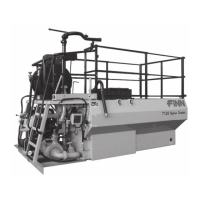
The Finn HydroSeeder and How It Works

Mounting the HydroSeeder

HydroSeeder Mounting Information

Details on mounting specifications and weight information for the HydroSeeder.

General Mounting Guidelines

General Truck Mounting Guidelines

Specific guidelines for mounting the HydroSeeder onto a truck chassis.

Attachments

Types of Attachments

Information on various available attachments for the HydroSeeder.

Pre-Start Check

Equipment Check

Automatic Pressure Lubricator Components

Illustration and description of the automatic pressure lubricator components.

Two-Valve Operation

Discharge Through Boom

Procedure for discharging slurry through the boom.

Extension Hose Through Boom

Procedure for discharging slurry through an extension hose attached to the boom.

Extension Hose or Hose Reel Through Remote Port

Procedure for discharging slurry using extension hose or hose reel with remote.

Control Box

Control Box Assembly

Diagram and identification of control box components and functions.

Control Panel Guide

System Power Up

Steps to power up the control panel and system.

Engine Start Procedure

Procedure for starting the engine using the key switch.

Engine Speed Control (Throttle)

How to adjust engine speed using the throttle control switch.

Emergency Stop

Emergency Stop Equipment Description

Description of the Emergency Stop (E-Stop) switch and its location.

Emergency Stop Use Instructions

Instructions on how to use the E-Stop button and its function.

System Operation

Menu Navigation

How to navigate through the system menus using softkeys.

Changing Data Displays

How to change the displayed data on the control unit.

Fault Codes

Active Fault Codes

Information on active fault codes displayed on the control system.

Acknowledging Active Faults

Procedure to acknowledge active faults on the control system display.

Stored Fault Codes

How to view stored fault codes from the engine ECU.

Maintenance Timer

Maintenance Timer Alert

Notification when the maintenance timer expires.

Acknowledging Maintenance Timer

How to acknowledge the maintenance timer alert.

Resetting Maintenance Timer

Procedure to reset the engine maintenance timer.

Backlight Setting

Contrast Setting

Display Mode Setting

Default Display Configuration

Engineering Units Settings

Display List

Single Data Format

Format for displaying single data points on the screen.

Dual Data Format

Format for displaying two data points simultaneously on the screen.

About Menu

Engine Settings

Regeneration Procedures

Automatic Regeneration Modes

Modes performed automatically by the Engine Control Unit.

Back-up Regeneration Modes

Modes requiring direct operator action for regeneration.

Reset Regeneration Normal Operation Displays

Reset Regeneration Standby Due to Inhibit Switch

Reset Regeneration Standby Due to Low DOC Temperature

Stationary Regeneration by Engine Management

Manual Stationary Regeneration - Operator Request

Recovery Regeneration

Starting Procedure

Area Coverage - Material Capacity

Tank Capacity

Loading Procedures

Piping System Cleanout Procedure (Purging Line)

Procedure for cleaning the piping system after use.

Loading and Mixing Viscous Slurries

Prior to Application

Discharge Nozzle Selection

Application of Slurry

General Application Techniques

Techniques for applying slurry with the HydroSeeder.

Discharge Through the Boom

Procedure for discharging slurry directly through the boom.

Procedures When Using Hoses

Steps for using hoses for slurry application.

Pump Take-Off System or Hose Reel with Remote Valve

Procedure for using pump take-off or hose reel with a remote valve.

Reloading Procedure

Extension Hose System - Without Remote Valve

Procedure for using extension hose without a remote valve.

Liming with the HydroSeeder

Procedure for Liming

Steps for applying lime with the HydroSeeder.

Troubleshooting Your HydroSeeder

Foam in Tank and Air Entrainment

Troubleshooting issues related to foam and air in the tank.

Plugging or Clogging Issues

Steps to address plugging or clogging in the system.

Troubleshooting Chart - Leaks

Troubleshooting Chart - Machine Jumps During Operation

Troubleshooting Chart - Foaming and Lack of Distance

Troubleshooting Chart - Valve Issues

Troubleshooting Chart - Clutch Issues

Troubleshooting Chart - Pump Issues

Hydraulic System

Cleaning and Maintenance

After First 4 to 8 Hours of Operation

Maintenance checks to perform after initial operation.

Daily Cleaning and Maintenance

Daily cleaning and maintenance procedures for the HydroSeeder.

Weekly or 40 Hours of Operation Maintenance

Weekly or 40-hour maintenance tasks.

Seasonal and Winter Storage Maintenance

Procedures for storing the machine seasonally or for winter.

Lubrication and Adjustment Points

Lubrication and Fluids Charts

Lubrication Chart

Chart detailing lubrication points, lubricants, frequency, and part numbers.

Fluid Capacities

Table listing the capacities for fuel, hydraulic oil, and engine coolant.

Clutch;Pump Combination (Clump) Maintenance

Pump Maintenance Section

Maintenance procedures specific to the pump.

Clutch Maintenance Section

Procedures for maintaining the clutch assembly.

Finn T170 HydroSeeder Technical Specifications

Structure and Railing

Discharge Boom Assembly

Engine Components

Engine Sheet Metal

Air Intake and Exhaust System

Control Station and Control Box (No Remote)

Optional Control Box with Remote

Optional Ground Level Control Box (No Remote)

Optional Ground Level Control Box with Remote

Engine Relay Box

Clump, Piping and Discharge Assembly

Agitator and Bearing Assemblies

Clutch; Pump (Clump) Assembly

Controls Overview

Hydraulic System

Hydraulic Agitator Drive

Discharge Hose Extensions

Boom Take-Off System

Details of the discharge hose system connected to the boom.

Pump Take-Off System

Details of the discharge hose system connected to the pump.

Hose Reel System

Details of the discharge hose system using a hose reel.

Hose Reel Assembly

Decals

Tool Kit Contents

Finn HydroSeeder T170 Specifications

General IconGeneral
BrandFinn
ModelHydroSeeder T170
CategoryFarm Equipment
LanguageEnglish

Related product manuals