Pairing Steps
Step 1. Switch On/Off to On to turn your keyboard on.
Step 2. Press the “Fn + C” keys together to enter pairing mode.
Step 3. Verify your device’s Bluetooth® settings are on.
Select Settings - Bluetooth - On.
Step 4. Select “Pair new device”.
Step 5. Select “Fintie Keyboard” from your device’s list of available devices to
complete pairing.
Step 6. Select “Fintie Keyboard”, the Bluetooth pairing indicator will turn off after
successfully paired.
Sleep Mode
The keyboard will enter sleep mode after being idle for 30 minutes.
To activate it, press any key and wait for 3 seconds.
Charging your keyboard
1. Plug the Type-C end of the charging cable into the keyboard and the other
USB end into your preferred USB charger. (USB charger is not included.)
2. When charging, the power indicator will turn red. Generally, it takes
approximately 4 hours for a full charge. (Output: DC 5V/500mA.)
Package Contents
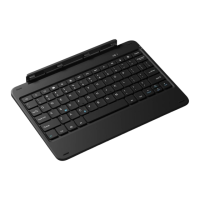
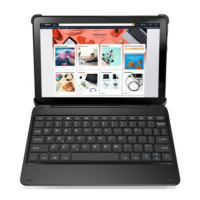
1 x Keyboard Case
1 x USB-C Charging Cable
1 x User Manual
Specifications


 To Next Page