EasyManua.ls Logo

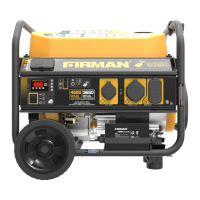
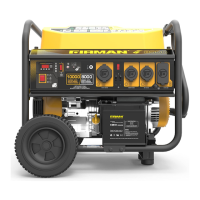
Firman P05702 - User Manual

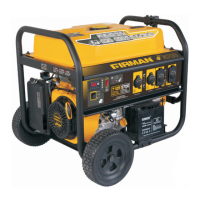
Firman P05702
39 pages
Print Icon
To Next Page IconTo Next Page
Loading...
P/N:357745451 Rev:00
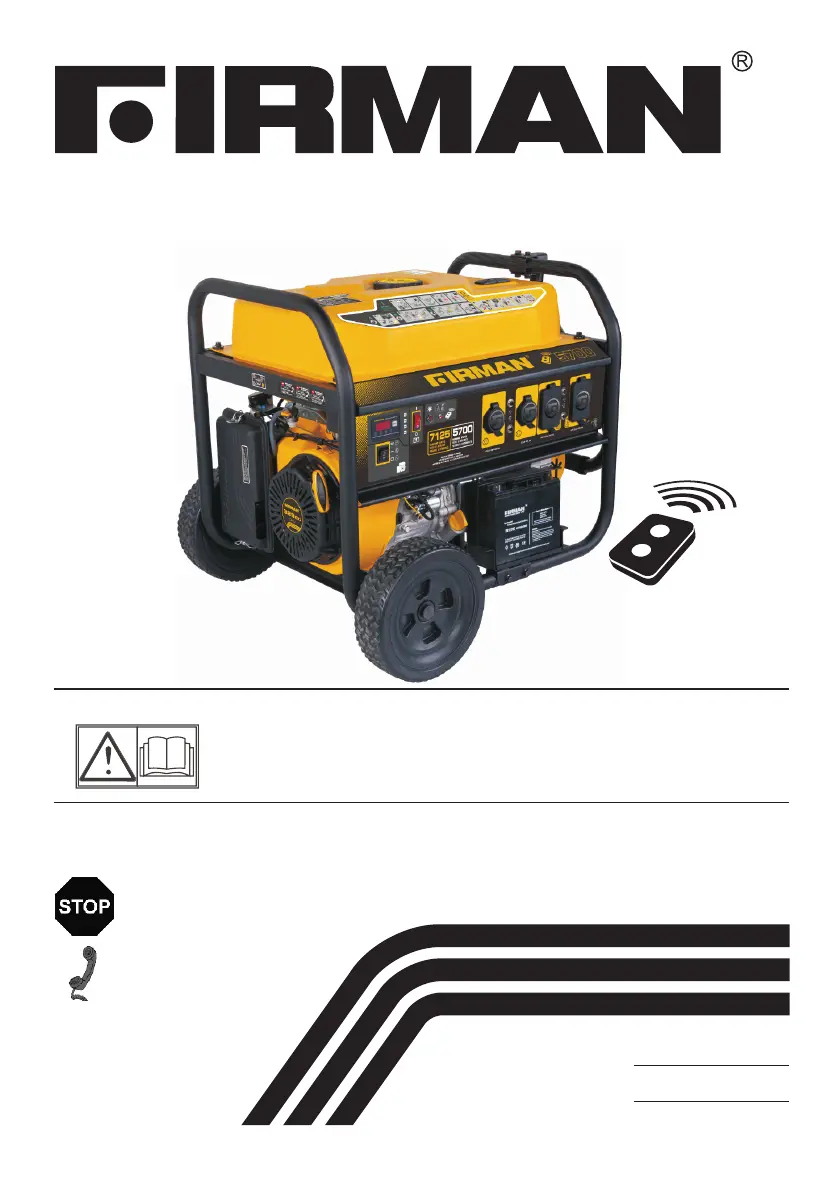
OWNERS MANUAL
Read all safety precautions and instructions carefully
before operating equipment.
Ensure engine is stopped and level before performing
any maintenance or service.
IMPORTANT:
Record product information to reference when ordering parts or
obtaining warranty coverage.
Serial Number:
PORTABLE GENERATOR
MODEL NUMBER
P 0 5 7 0 2
Rev Level:00
DO NOT RETURN TO
STORE!
CALL US FIRST!
CUSTOMER HOTLINE
1-844-347-6261
FOR QUESTIONS OR SERVICE
INFORMATION
Purchase Date:

Questions and Answers

  • M
    murraybenjaminSep 14, 2025
    How to fix remote start system not working on Firman Portable Generator?
    • C
      Charles Phelps Jr.Sep 14, 2025
      If the remote start system on your Firman Portable Generator isn't working: * Replace the batteries in the remote control. * Move closer to the generator, ensuring you are within 164 feet. * Program the remote control to the generator (see Programming the Generator for Remote Start).
  • P
    pcookNov 17, 2025
    Why Firman P05702 Portable Generator engine will not start or shuts down?
    • V
      vrobertsNov 17, 2025
      If your Firman Portable Generator engine won't start, starts and runs roughly, or shuts down unexpectedly, consider the following: 1. Ensure the engine switch is in the ON (l) position. 2. Make sure the fuel shutoff lever is in the ON (l) position. 3. Check the oil level and fill to the proper level, or place the generator on a level surface. 4. Inspect the air cleaner and clean or replace if dirty. 5. Verify there's fuel in the tank and fill if necessary. 6. If the fuel is stale, drain the tank and carburetor and refill with fresh fuel. 7. Confirm the spark plug wire is connected to the spark plug. 8. Replace the spark plug if it's bad. 9. Drain the gas tank and carburetor and fill with fresh fuel if there's water in the fuel. 10. If the engine is flooded, wait 5 minutes before ...

Summary

Safety Precautions

Assembly

Controls and Features

Control Panel Overview

Details and descriptions of all buttons, switches, indicators, and displays on the control panel.

Power Receptacles and Circuit Protection

Information on the generator's output sockets, including GFCI and circuit breakers.

GFCI Receptacle Operation

Explains the functionality of the GFCI outlet, including testing and self-test features.

Add Engine Oil

Add Fuel

Grounding

Connecting to a Buildings Electrical System

Operation

Generator Location Requirements

Crucial safety guidelines for selecting a proper and safe location for generator operation.

Starting the Generator (Recoil Start)

Starting the Generator (Electric Start)

Starting the Generator (Remote Start)

Connecting Electrical Loads

Stopping the Engine

Proper procedures for safely shutting down the generator after use.

Low Oil Shutdown

Do Not Overload Generator

Maintenance and Storage

Trouble Shooting

AC Output and Load Connection Issues

Solutions for problems related to power output and engine bogging under load.

Engine Starting and Running Problems

Troubleshooting common issues like hard starting, rough running, and engine shutdown.

Remote Start System Troubleshooting

Steps to diagnose and fix problems with the remote start functionality.

Service and Warranty Information

Firman P05702 Specifications

General IconGeneral
BrandFirman
ModelP05702
CategoryPortable Generator
LanguageEnglish

Related product manuals