10
TOP PANEL – REAR VIEW
Ø 2.5mm REF
10x Pilot holes recommended
for bracket attachment.
(Do not penetrate front surface.)
385mm
128mm
29mm87mm
492mm
542mm
416mm
All measurements to be made
from top and centreline.
BOTTOM PANEL – REAR VIEW
Cutouts are located in attachment bracket for Fisher & Paykel handles only.
Iflocating custom handle in the shaded area shown above, ensure handle screw
heads are countersunk into back of panel to avoid interference with hanging bracket.
Ensure handle is mounted
65mm from edge of panel
to the centre – this will avoid
interference with brackets.
37mm
869mm
558mm
126mm
176mm
634mm
684mm
981mm
764mm
All measurements
to be made from
bottom left corner.
347mm
141mm
Ø 2.5mm REF
12x Pilot holes recommended for bracket attachment.
(Do not penetrate front surface.)
1016mm
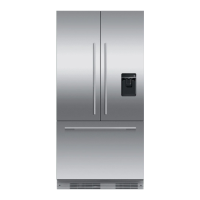
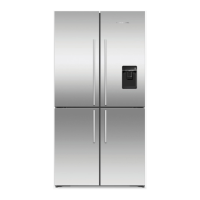
The drawings below apply to Automatic ice models, (RS9120W(R/L)J). Dimensions apply for the preparation and installation of custom door panels.
For Dwg and Dxf files of the below panel preparation download the folder on thekitchentools.fisherpaykel.com
7 CUSTOM DOOR PANEL INSTALLATION DIMENSIONS



 To Next Page
 Loading...