EasyManua.ls Logo

Fisher Scientific accumet AB150 - User Manual

Fisher Scientific accumet AB150
48 pages
Print Icon
To Next Page IconTo Next Page
Loading...
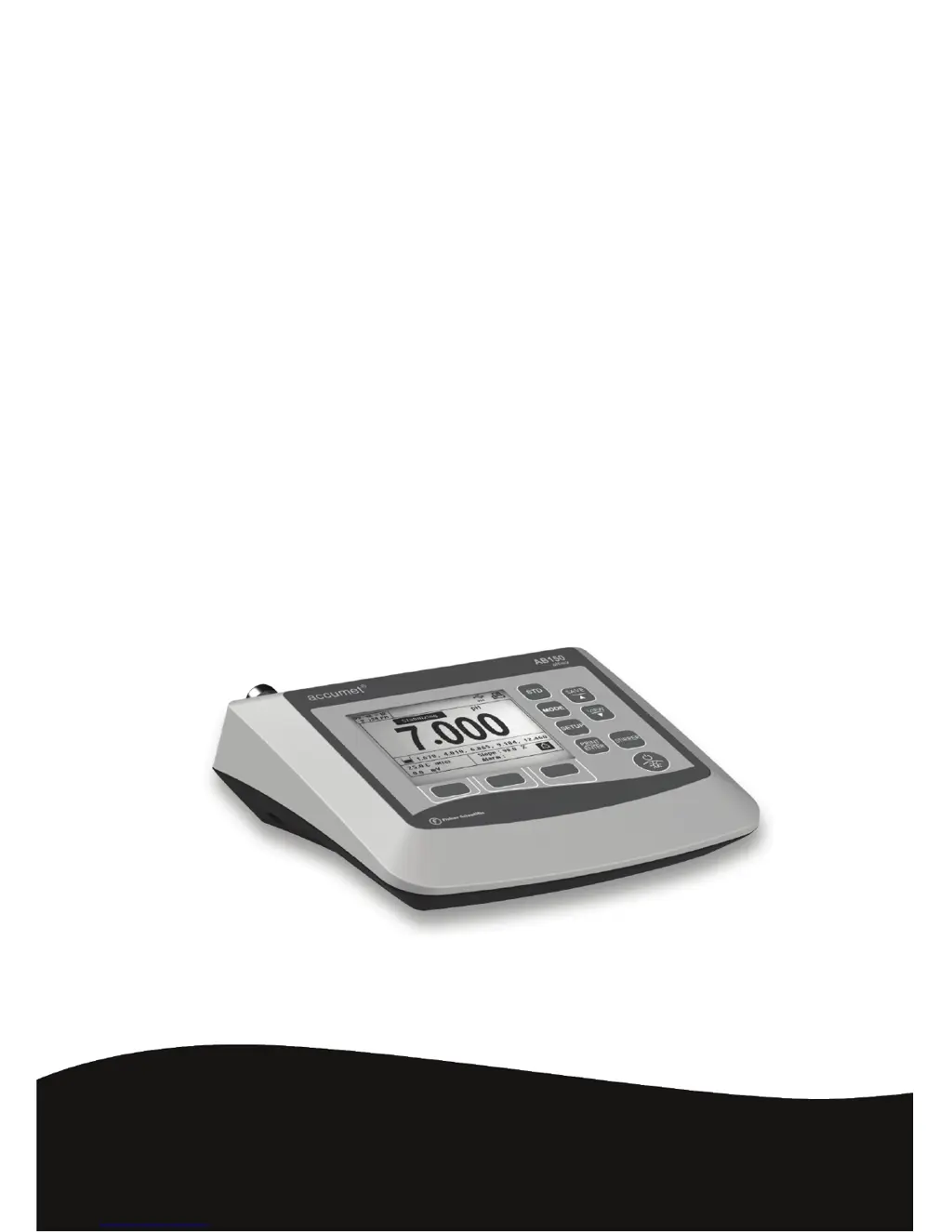
Instruction Manual
Fisher Scientific
accumet
®
Basic (AB)
Benchtop Meters
AB150 AB200 AB250
68X613601 Rev 0 Jul
y
201
2

Questions and Answers

  • H
    hwilliamsAug 8, 2025
    What to do if calibration values are too far apart on Fisher Scientific accumet AB150?
    • A
      Anna LopezAug 9, 2025
      If the calibration values are too far apart, or too far from ideal values, check the electrode, use fresh buffers, and check the meter settings. The electrode may require filling solution, conditioning, or replacement. Refer to the electrode manual.
  • R
    reginald25Aug 14, 2025
    How to calibrate temperature on Fisher Scientific Measuring Instruments?
    • T
      Tony AtkinsAug 14, 2025
      Calibrate using a water bath or a known accurate thermometer. A faulty thermistor may also be the cause, consider repair or replacement.
  • D
    David ZimmermanAug 20, 2025
    What to do if Fisher Scientific Measuring Instruments show Over Range or Under Range?
    • N
      Nicholas BrowningAug 20, 2025
      Check that the electrode is connected.
  • B
    Briana LynchAug 27, 2025
    Why are my pH calibration points too close on Fisher Scientific accumet AB150?
    • T
      timothywarrenAug 27, 2025
      Custom pH buffer calibration values must be at least 1.0 pH unit apart.
  • T
    Thomas SchmidtSep 1, 2025
    What to do if 2-point standardization has not been performed on Fisher Scientific Measuring Instruments?
    • C
      Catherine CrawfordSep 1, 2025
      Perform a 2-point standardization.

Summary

Keypad and Display Overview

Meter Connections and Ports

Port Descriptions

Details the purpose and connectivity of each port on the meter.

System Setup and Configuration

Setup pH & mV Parameters

Buffer Groups for pH Calibration

Selects predefined pH buffer sets for auto-recognition during calibration.

pH Resolution Settings

Chooses the desired decimal precision for pH measurements.

Alarm Configuration

Sets visual and audible alarms for high or low measurement values.

Calibration Due Indicator

Configures the 'Cal Due' warning for timely recalibration.

pH Standardization (With Preset Buffer Group)

pH Standardization (With Custom Buffers)

mV Standardization (Offset Adjustment)

Temperature Setup Options

Temperature Standardization

Conductivity, TDS, Salinity, & Resistivity Setup

Standardization Method Selection

Selects between automatic or manual standardization for conductivity measurements.

Calibration Points Configuration

Chooses between single-point or multi-point calibration methods.

Conductivity Standardization (Automatic)

Cond;TDS;Salinity;Resistivity Standardization (Manual Adjustment)

Ion Setup and Measurement

Ion Standardization Procedure

Troubleshooting Common Issues

pH and Ion Troubleshooting

Addresses common issues with pH calibration, readings, and ion measurements.

Conductivity, TDS, and Temperature Issues

Fixes problems with conductivity calibration, TDS readings, and temperature accuracy.

General Error Handling

Handles 'OR'/'UR' errors and forgotten passwords.

USB Driver and Boot Loader Documentation

Windows XP USB Driver Installation

Guide to installing the USB driver for Windows XP.

Fisher Scientific accumet AB150 Specifications

General IconGeneral
BrandFisher Scientific
Modelaccumet AB150
CategoryMeasuring Instruments
LanguageEnglish

Related product manuals