12Page
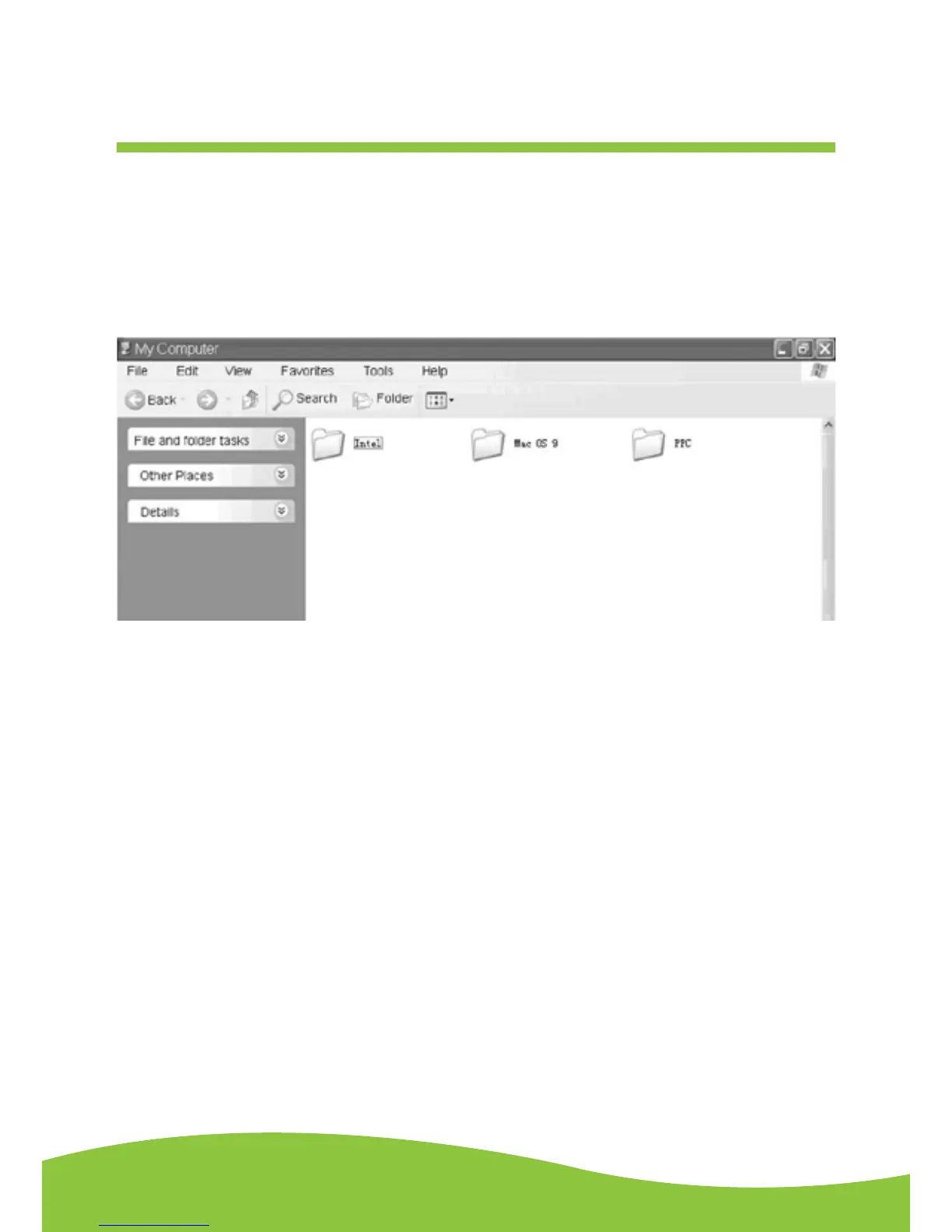
4. Double click the Audacity_for_MAC for Macintosh system. There are three folders that will
appear as shown below. If your computer is Mac OS X system (Intel CPU), please enter the
Intel folder to install the audacity software. If your computer is Mac OS 9 system, please enter
the Mac OS 9 folder to install the audacity software. If your computer is Mac OS X system
(Power PC CPU), please enter the PPC folder to install the audacity software.


 To Next Page