Conguring Audacity for Mac
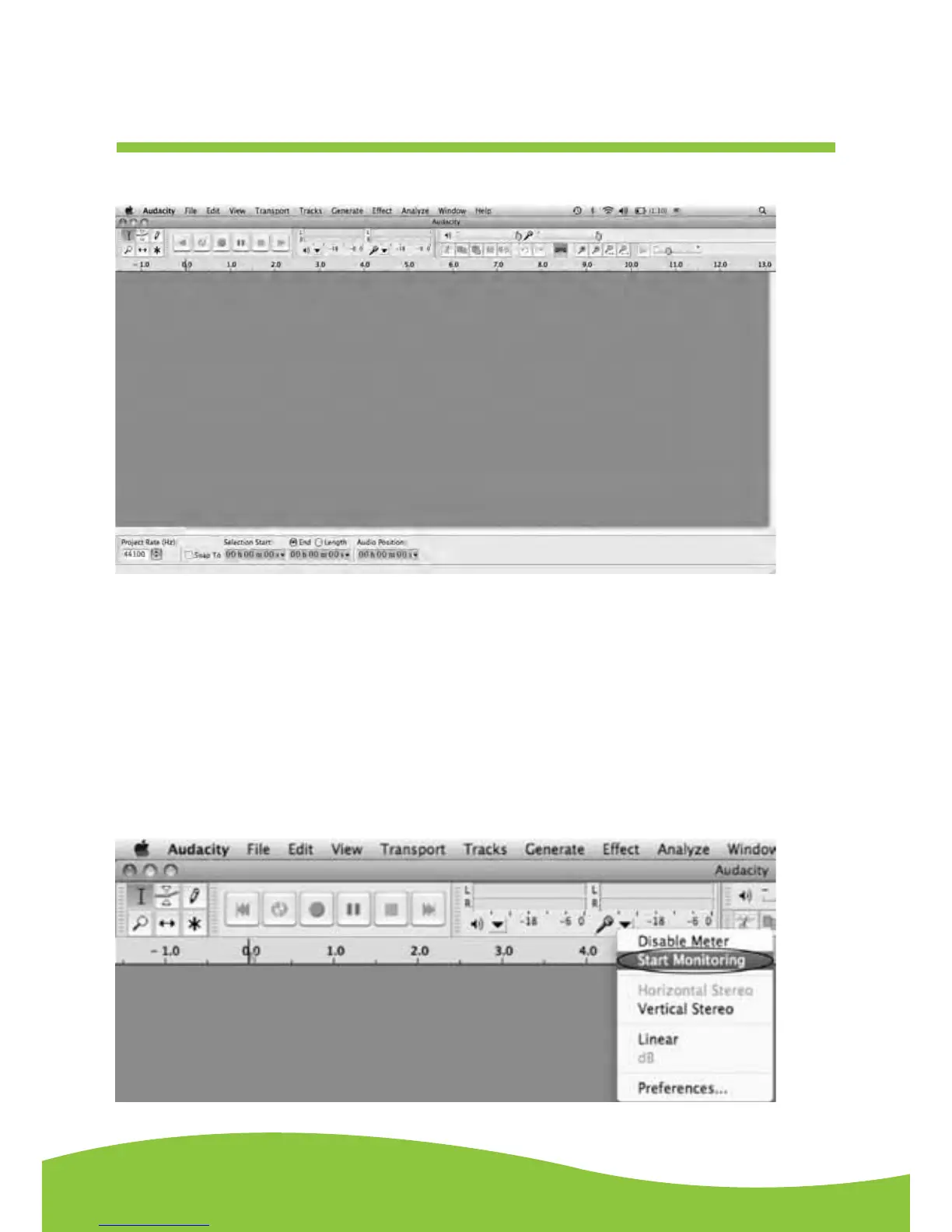
Audacity Interface for Mac
Audacity Interface---Settings and controls.
At the top of the main Audacity window, to the right of the play control buttons, you will see the input
and output level metres (labelled L and R). There is an icon under the output level metre that looks
like a microphone. Next to the microphone is a black arrow that points down. Click this arrow and
select Start Monitor. (If you don’t see the input and output level meters, open your Preferences again
as described above.)


 To Next Page