BUILT Handbook v5 3.11.21 Page 13
FITBIT FEATURES
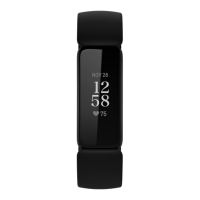
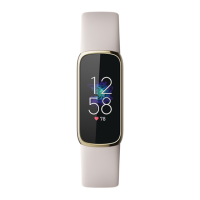
Main Clock Face
• Time will always show up
• Tapping on the main screen will alternate
between date, steps walked and active minutes
underneath the main time
Swipe up on main clock screen:
• Battery level, time + day and date
• Steps
• Active Minutes
• Steps per hour level (setting is set at aiming to
take 250 steps per hour)
• Hours of sleep












 To Next Page
