10
Changing the wristband
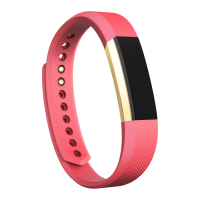
The wristband has two separate bands (top and bottom) that you can swap with
accessory bands sold separately.
Removing a wristband
To remove the wristband:
1.! Turn over your Alta HR and find the band latches—there’s one on each end
where the band meets the frame.
2.! To release the latch, press down on the flat metal button on the strap.
3.! Slide the band up to release it from the tracker.
4.! Repeat on the other side.
If you’re having trouble removing the band or if it feels stuck, gently move the band
back and forth to release it.














 To Next Page

