12
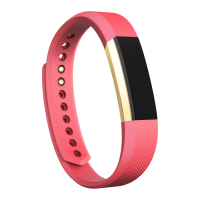
Automatic Tracking with Fitbit Alta HR
Your Alta HR continuously tracks a variety of stats whenever you have it on. The
information is transferred to your dashboard every time you sync your tracker.
Viewing all-day stats
Tap your Alta HR to see these all-day stats:
•! Steps taken
•! Heart rate
•! Resting heart rate (optional)
•! Distance covered
•! Calories burned
•! Active minutes
On your Fitbit dashboard you can find other information captured by your tracker,
such as:
•! Your sleep history, including hours slept and sleep patterns
•! The hours of your day that you were stationary vs. active (walked at least 250
steps)
•! Your exercise history and progress towards a weekly exercise goal
•! Your beats per minute (BPM), average resting heart rate, and time spent in
heart-rate zones
Note: Alta HR stats reset at midnight to begin a new day.














 To Next Page

