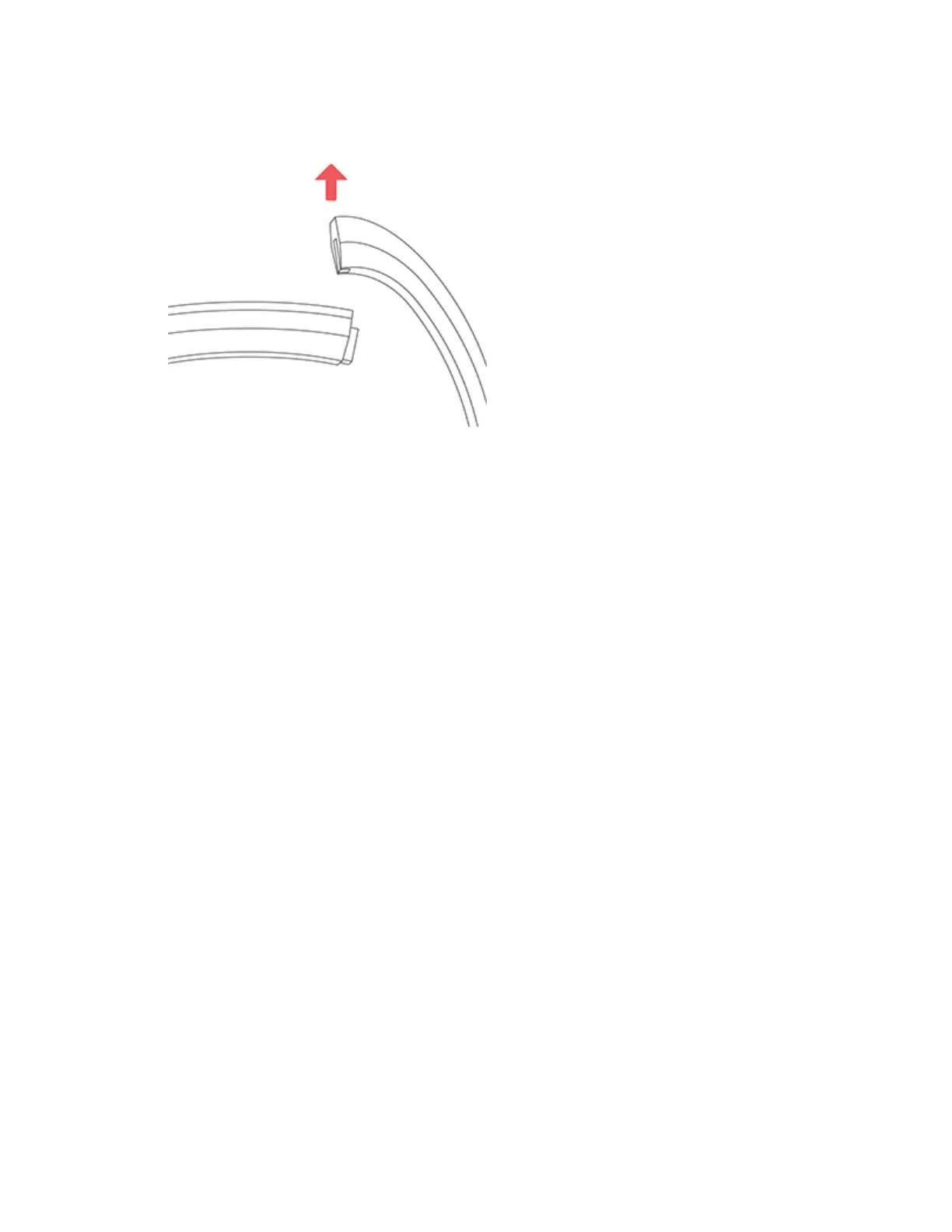
3. Slide the band up from the tracker to release it.
4. Repeat on the other side.
If you’re having trouble removing the band or if it feels stuck, gently move the band
back and forth to release it.
Attach a new band
Before you attach a new wristband, first identify the top and bottom bands. The top
band has a clasp on it and should be attached on the side closest to the charging
port. The bottom band has notches in it.
To attach a new band, slide it down on the end of the tracker until you feel it snap
into place.
11













 To Next Page