Basics
Learn how best to navigate, check the battery level, and care for your tracker.
Navigate Alta
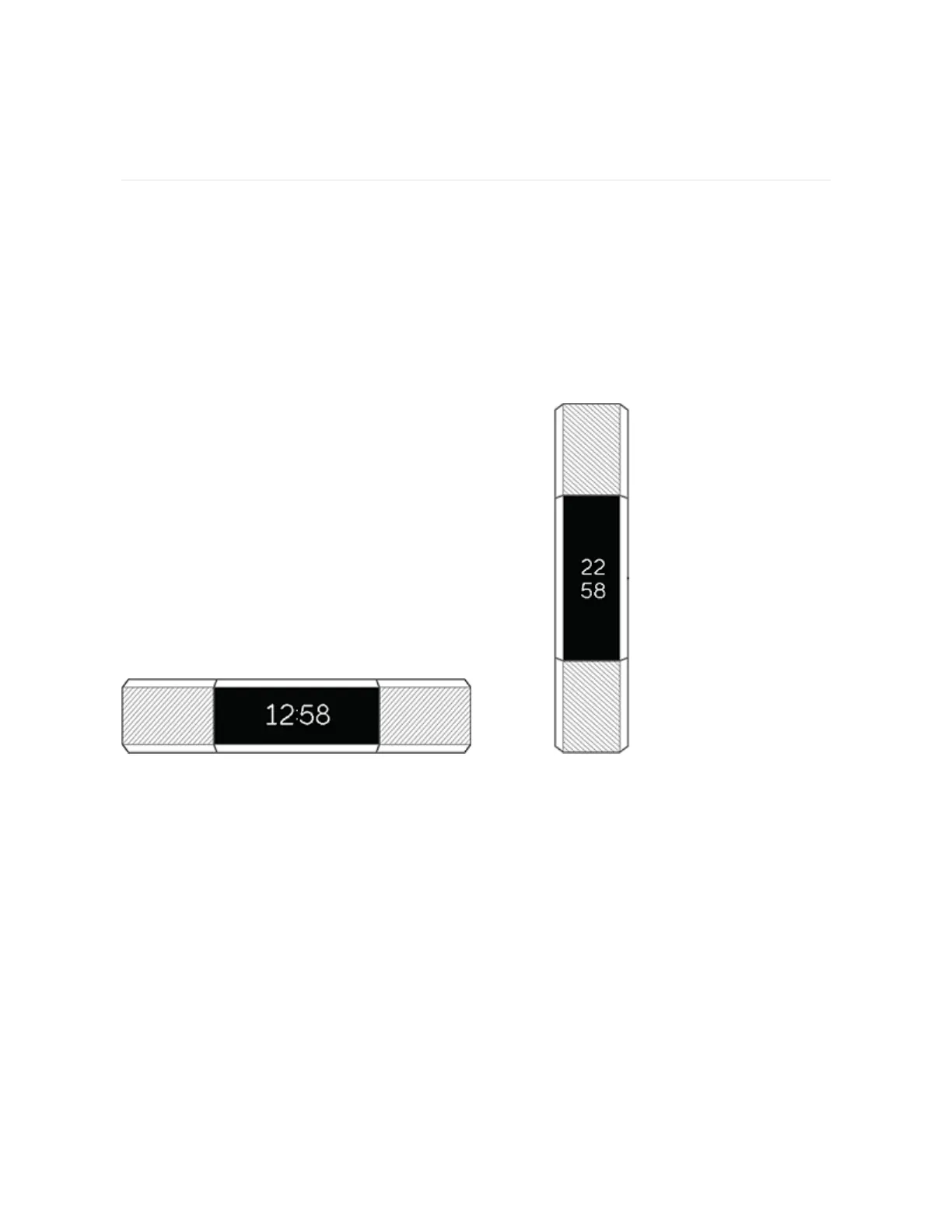
Alta has an OLED tap display that can be oriented horizontally or vertically. You can
choose from several clock faces, each with a unique design. Single-tap the display
to flip through your stats.
When you’re not using Alta the display is dimmed. To wake it up:
l
Double-tap your tracker.
l
Turn your wrist towards you. This behavior, known as Quick View, can be
turned off in your tracker settings.
Tap your tracker
For best results, tap your tracker where the screen meets the band.
13













 To Next Page