13
USER MANUAL
eGIVE ADJUSTMENT WITH POWERBOLT
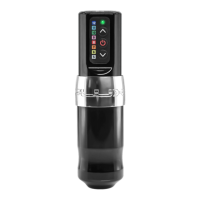
When using the EXO with the PowerBolt, the eGive will be controlled on the PowerBolt, not the app.
You must update the PowerBolt with the latest Darklab app version to download that feature.
eGIVE WITH POWERBOLT
HOW TO CHECK THE CURRENT eGIVE SETTING
• Hold down the power button until the light goes from white to solid blue.
• Release the power button.
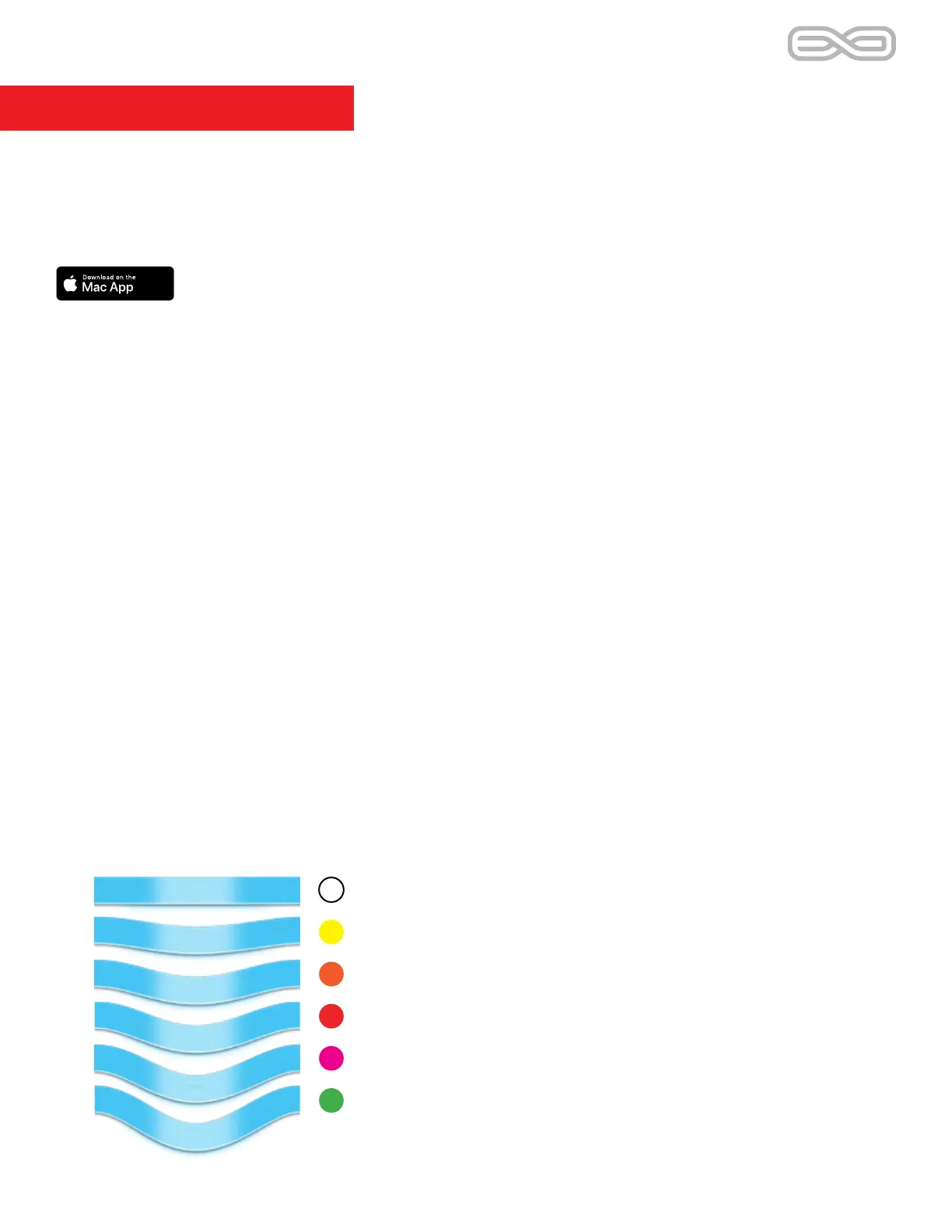
• The following blinking color that the LED displays indicates the give that the unit is
currently set at. For example:
- a white blinking light indicates the lowest at 0 (zero)
- a yellow blinking light indicates level 1 eGive
- an orange blinking light indicates a softness of 2 eGive
- a red blinking light indicates a softness of 3 eGive
- a pink blinking light indicates a softness of 4 eGive
- a green blinking light indicates a softness of 5 (softest eGive setting)
CHANGING eGIVE
To raise or lower the give:
- Hold down the power button until the light goes from white to solid blue.
- Release the power button and immediately use the up or down arrows to change the give.
The colors should change accordingly.
White - eGive of 0
Yellow - level 1 eGive
Orange - level 2 eGive
Red - level 3 eGive
Pink - level 4 eGive
Green - level 5 eGive (softest setting)


 To Next Page