We reserve the right to change designs and technical specifications of our products.
Manual ENA 7-30
2322
ENG
General ENA 7 ENA 10 ENA 20 ENA 30
Article number [-] 17070 17090 17091 17092
Volume [l] 60 80 100 100
Working pressure [bar] 0.8-2.7 0.8-3.5 2.0-4.5 3.0-8.0
Refill pressure [bar] 2-8
max. pressure [bar] 8 8 8 10
Medium temperature [°C] >0-70
Top-up temperature [°C] >0-30
Noise level [dB(A)] approx. 55
Electrical connection [V] 230 230 230 230
Rating of the pump(s) [kW] 1 x 0.62 1 x 1.1 1 x 1.51 2 x 1.1
Connections, dimensions, weights
W x H x D [mm] 728 x 1250 x 325 728 x 1250 x 325 776 x 1250 x 325 728 x 1250 x 525
Connection from system Rp 3/4” (internal)
Connection to system Rp 1” (internal)
Top-up connection Rp 3/4" (internal)
Weight [kg] 38 40 45 60
Glycol % 30
Nominal diameter Maximum line length system installation
DN 20 10 m
DN 25 20 m
DN 32 30 m
9.1 Additional accessories
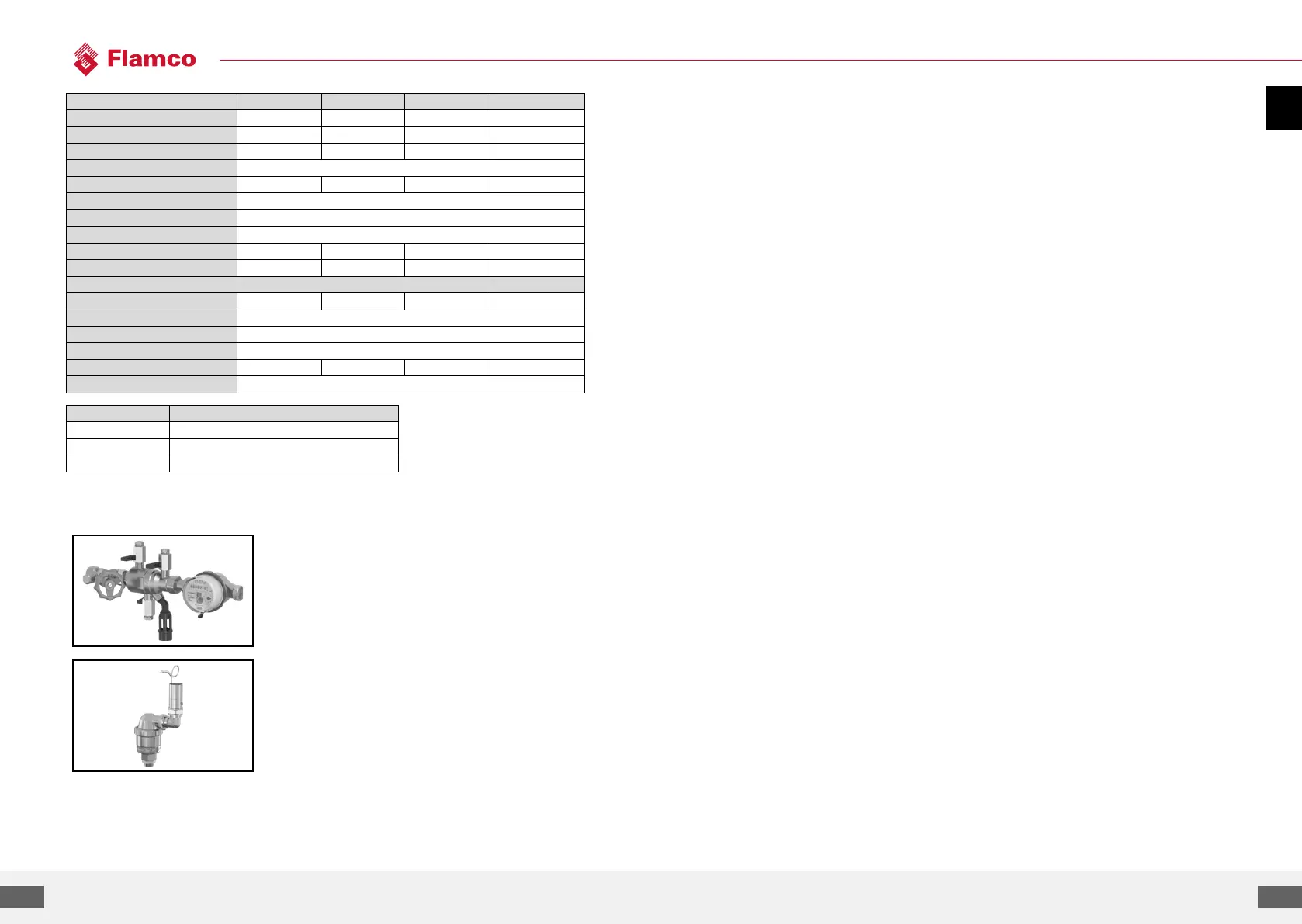
Pressurisation Unit type NFE 1...(3)
Feeds the machine with water. Make sure the water
pressure is 2 to 8 bar.
The level sensor and the make-up time control the unit.
Gas Sensor
Suitable for ENA 7 - 30.
To be mounted on the gas outlet on top of the bottle of
the degassing unit.
Appendix 1. Commissioning
1.1. Commissioning ENA 7-30
Before commissioning make sure that the unit and its items of equipment are in conformation with
the regulations that apply at the place of erection and in respect of the field of application. The
party erection and operating the unit will be responsible for making the checks and for carrying out
commissioning.
For commissioning, the hydraulic and electric connections must be in place, and the shut-o devices
open.
1.2. Parameterisation for commissioning
The ENA 7-30 comes with a pre- parameterized control. As this control oers a wide range of
possibilities, you will have to set operating parameters so that they will be adapted to the concrete
operating conditions of your heating/cooling system.
When the control is switched on, first ‘ENA 7-30’ and aer that the start screen appears on the
display. Now it is possible to make a selection by turning and pressing the control knob.
Turn and press the control knob (on System, displayed against a black background) to get to the
Selection menu. Select ‘Entries’ (code 000001) to get to the Equipment, Parameter and Service
menus for carrying out parameterization. Set up the control point by point – refer to the sections
with explanations on the Hardware, Parameter and Service menu (ENA 7-30 – Installation and
operating instructions).
Select ‘Back’ to return to or to complete menu items. For completely exiting submenus, you can also
hold the control knob in the pressed state, causing the control to invoke the Process screen/START
menu.
On completing the parameterization of the control, confirm/press Start to get to the Process screen.
The ENA 7, 10, 20, or 30 will then commence its operation


 To Next Page