Manual FlexTherm Eco
9
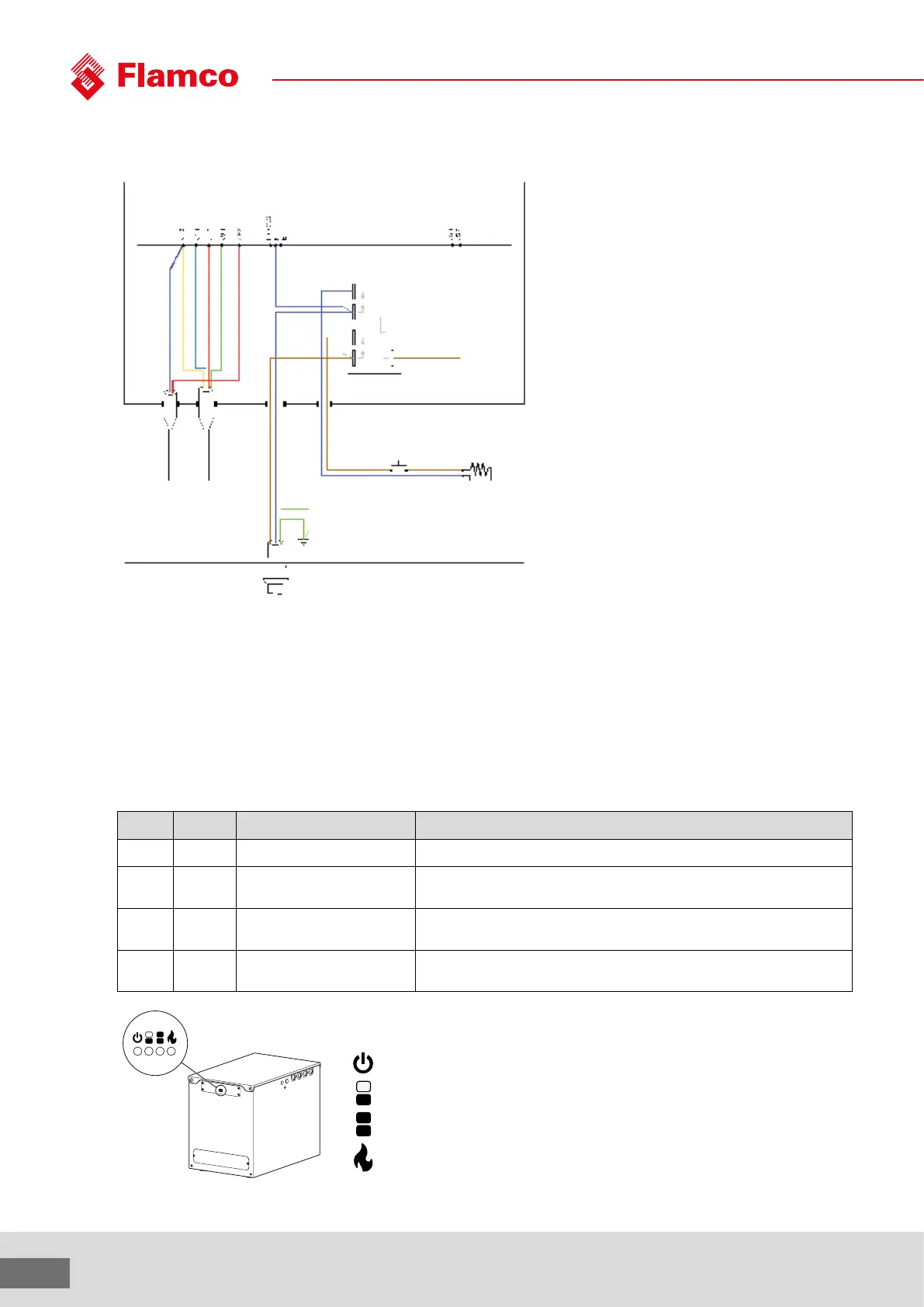
Control PCB
Power relay
Blue
Yellow
Red
Green
Blue
Red
2 core
temperture probe
4 core
temperture probe
To main supply
230 ~ 16A
Manual reset overheat
thermostat
Element 2.8 kW
3.3 settings
Options
Depending on the application, dierent options may be selected.
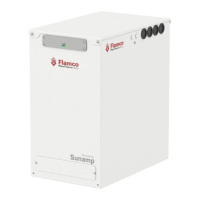
Holding switch SW1 down will show the current setting on the 4 LEDs. Holding this switch down for longer than 5 seconds will cause the LEDs
to cycle. Release switch SW1 when the wanted combination of LEDs is illuminated, and this choice will be stored.
Table 3.3: Controller options and explanation
LED # Option # Option description
Show/set by holding down SW1
Explanation
D4 4 Remote control Unit will only charge from electricity if the remote control input is active or boost
function is active.
D3 3 Maximum charge temperature
O=80 °C
On=65 °C
For electric heated units use 80 °C. For heat pumps and some gas boilers, use 65
°C.
D2 2 PV input
O = No eect
On = Always recharge
For use with PV diversion controllers, this option will enable charging again aer
very little heat has been used or lost
D1 1 Recharge level
O = Shallow discharge
On = Deep discharge
This is the threshold at which charging will be re-enabled due to water usage
aer the store was full. The default setting (shallow discharge) is suitable for most
applications.
Power
>50%
>100%
Heating


 To Next Page