Unpacking
03
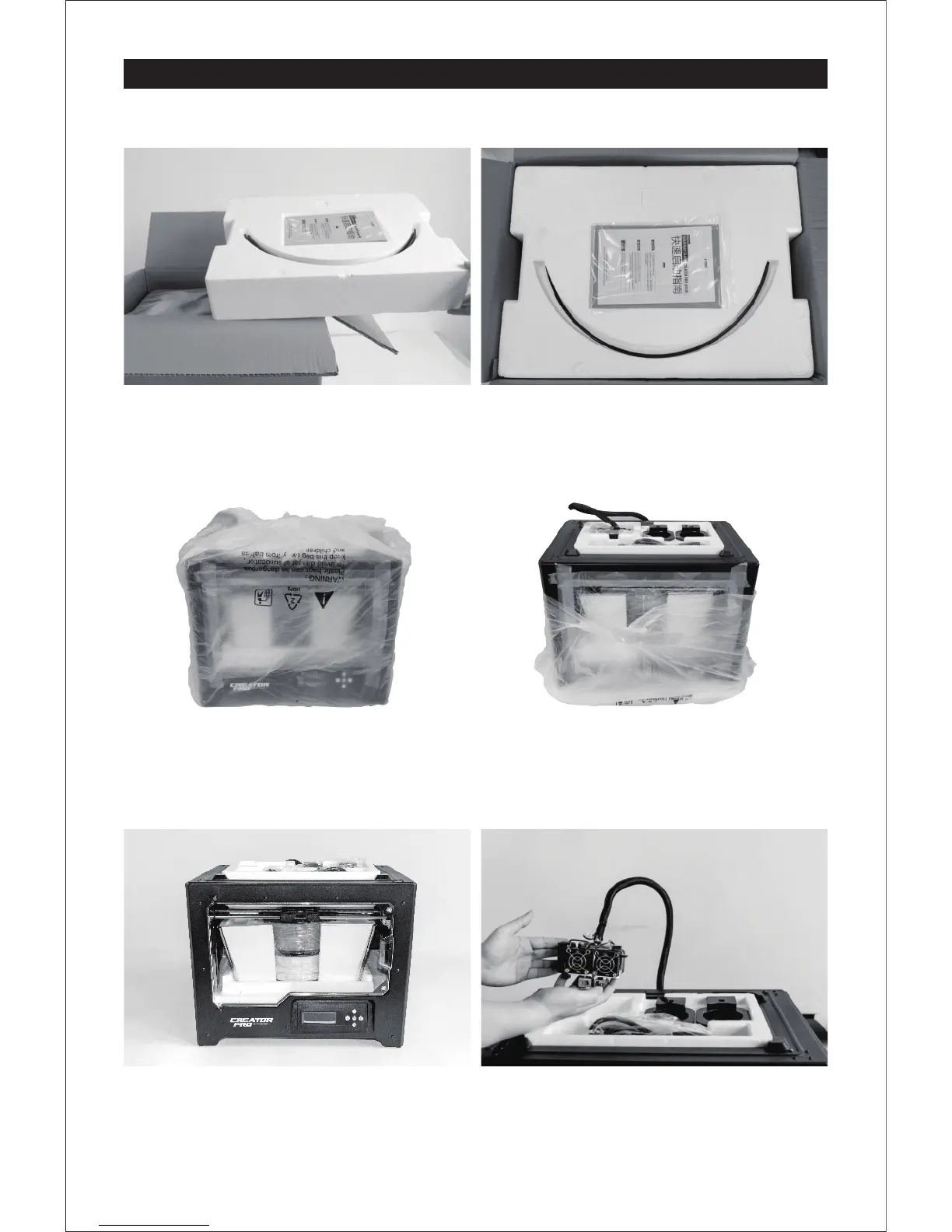
1. Open box and remove top foam piece.
4. Remove the packing bag. And then
remove the tape and plastic wrap for
protecting the front door.
2. The foam should contain: two filament guide
tubes, two piece of build tape, one Flashforge
leveling card and one Quick Start Guide.
3. Firmly grasp the two side handles of
Flashforge Creator Pro. Lift it out from the
carton and place it on a stable surface.
5. The Flashforge Creator Pro and its
accessories shall be displayed in front
of you.
6. Take the dual extruder out and place the
extruder carefully because the extruder
cable bunch is short.















 To Next Page