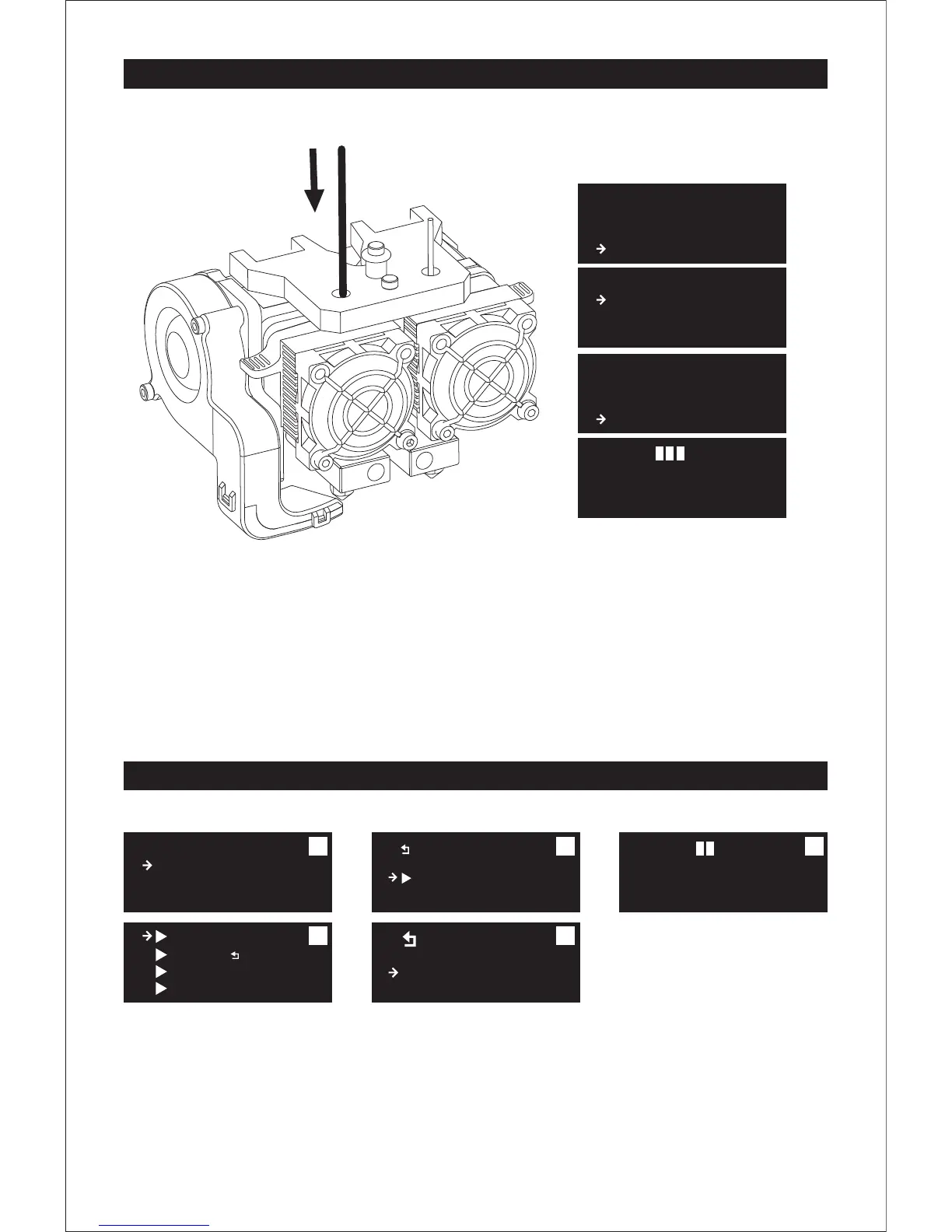
Loading Filament
1. Tap [Utilities] and tap [OK]. Tap [Filament Loading]-[OK] to enter the filament loading/unloading page.
2. Tap [Load Left]-[OK].
3. The extruder will be heated up automatically. Once heated, insert the filament through the filament
guide tube into the filament intake. Then the filament will be drawn through the extruder.
4. Continue extruding until the extruder provides a steady flow of filament.
5. Tap [OK] to complete filament loading and return to the home page.
First Print
1. Tap [Print from SD]--[ENG]--[test model] successively.
2. Select CP PLA 40mm_box.Left.x3g file to print.
(Note: Use the left extruder to print CP PLA 40mm_box.Left.x3g.
Use the right extruder to print CP ABS 40mm_box.Right.x3g.)
3. After selecting the file, tap [OK] and wait for the extruder to heat. Once heated, the printer will start
printing automatically.
13
FF Creator Pro
Print from SD
Preheat
Utilities
Filament Loading
Preheat Settings
General Settings
Monitor Mode
Unload right
Load right
Unload left
Load left
Heating:
R Extruder:
L Extruder:
Platform:
28C
28/200C
21/ 50C
FF Creator Pro
Print from SD
Preheat
Utilities
Heating:
R Extruder: 28C
L Extruder: 28/200C
Platform: 21/ 50C
..
CP ABS 40mm_box.Rig
CP PLA 40mm_box.Lef
Exit Menu
ENG
FlashPrint Go
Σ
Happy3D soft
Σ
PlateLeveling.x3g
test model
Exit Menu
..
1
2
3
4
5















 To Next Page