2.5 Loading Filament
2.6 Software Installation
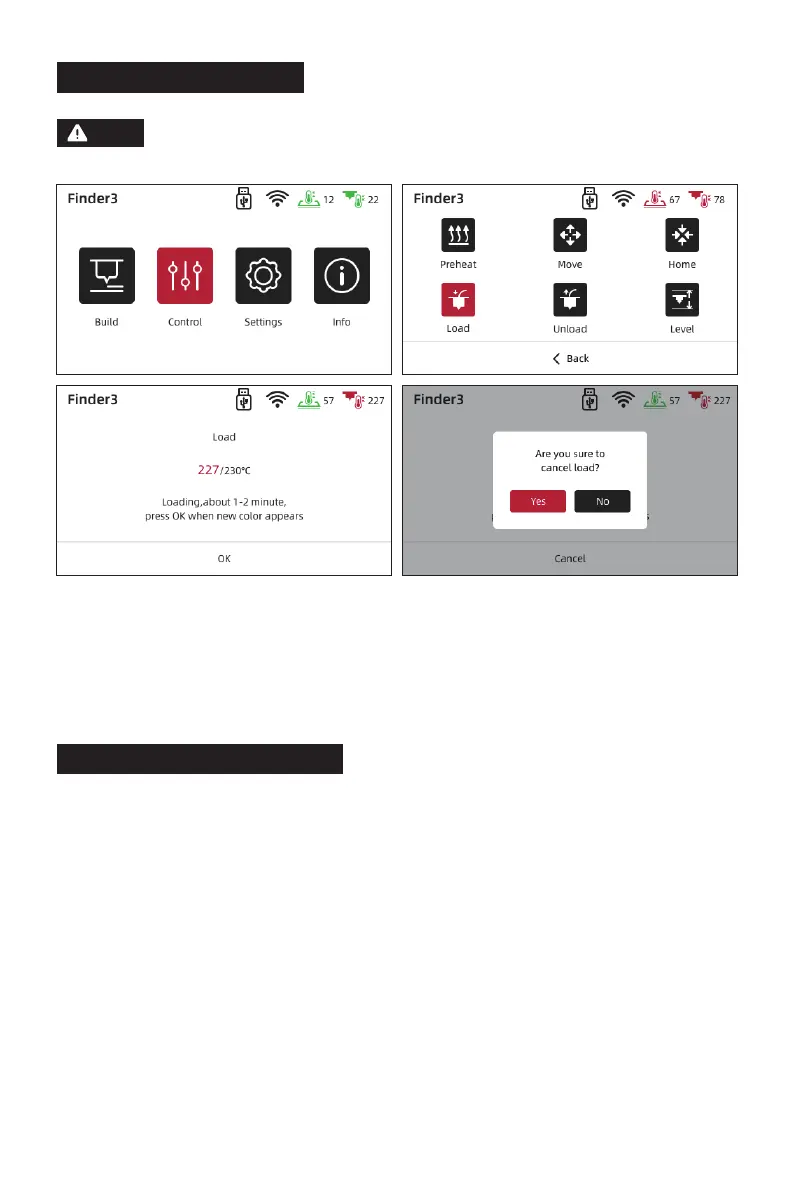
Tap [Control] - [Load]. It starts to load the filament when the targeted temperature
reached. Do not stop loading when the nozzle extrudes the filament. It is suggested that
extrude the filament evenly then tap [OK] to back to the homepage.
Please ensure that the filament has been loaded in an appropriate
approach.
Note
Find the FlashPrint installation package in the USB disk and select the version
corresponding to your system to install.
Method 1:
You can download it from https://www.flashforge.com/download-center.
Method 2:
11















 To Next Page