14
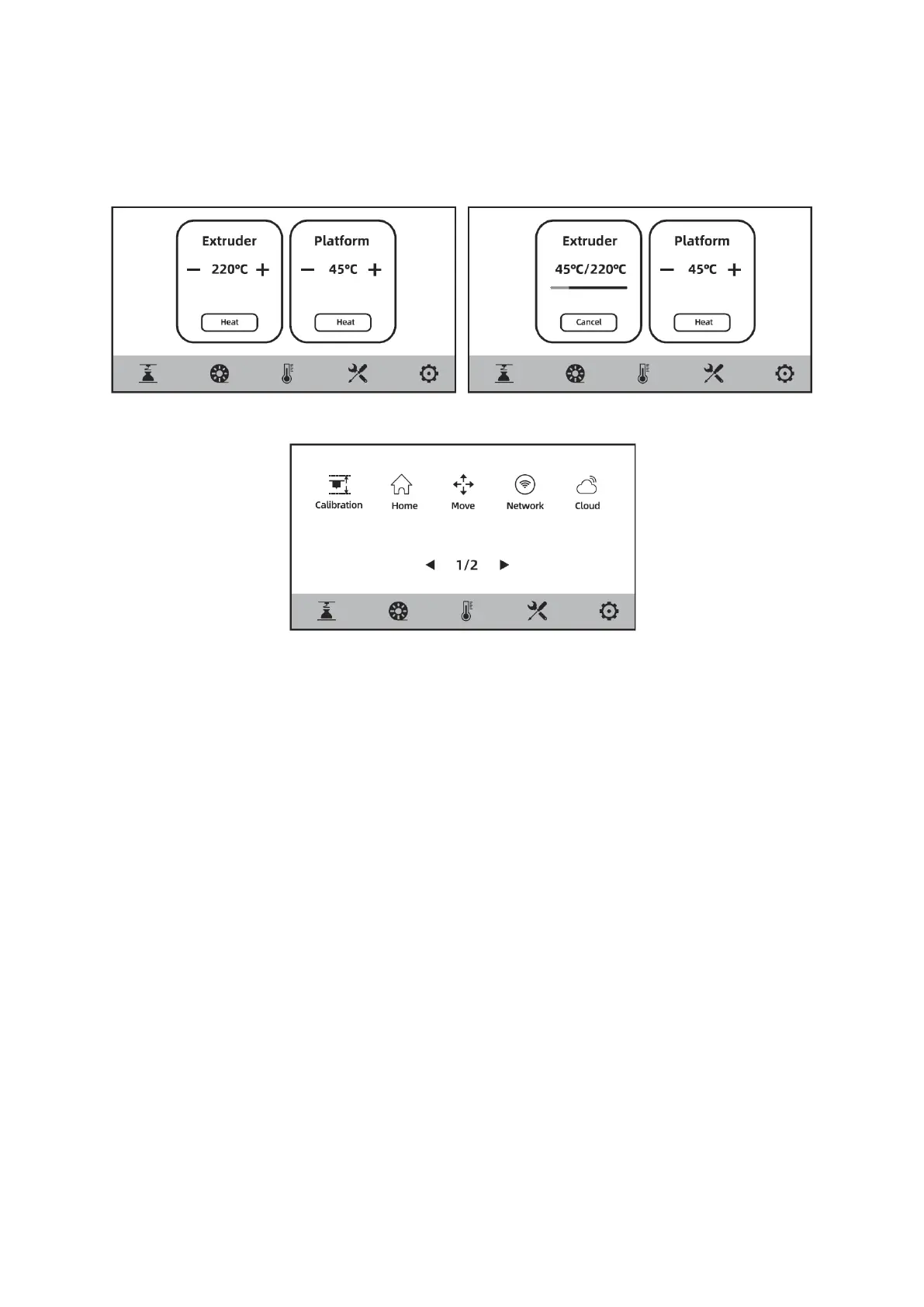
Preheating Screen
The temperature of the extruder and platform can be set in advance as required on the
preheating screen.
Tools Screen
• [Calibration]: Z-axis calibration, sensor calibration, assist calibration (complete
mode, simplified mode).
• [Home]: Here you can make each axis of the printer return to the zero position.
• [Move]: Here you can manually move the X-, Y-, and Z-axis of the printer.
• [Network]: here you can connect to the wireless network, wired network, and
hotspot.
• [Cloud]: Here you can connect to FlashCloud or Polar Cloud.
• [Camera]: Here you can turn on the camera and view the time-lapse video.
• [About]: Here you can find basic information about the printer.
• [Status]: Here you can find the running status of the printer.
• [Maintain]: Here you can find some items to check when you encounter a
problem with your 3D printer.
• [Upgrade]: Here you can search for and perform a firmware upgrade. Users can
upgrade to the latest firmware of the printer when connecting to the wireless
network.















 To Next Page