© 1999-2007 QualityWaterForLess.com - 14 - info@qualitywaterforless.com
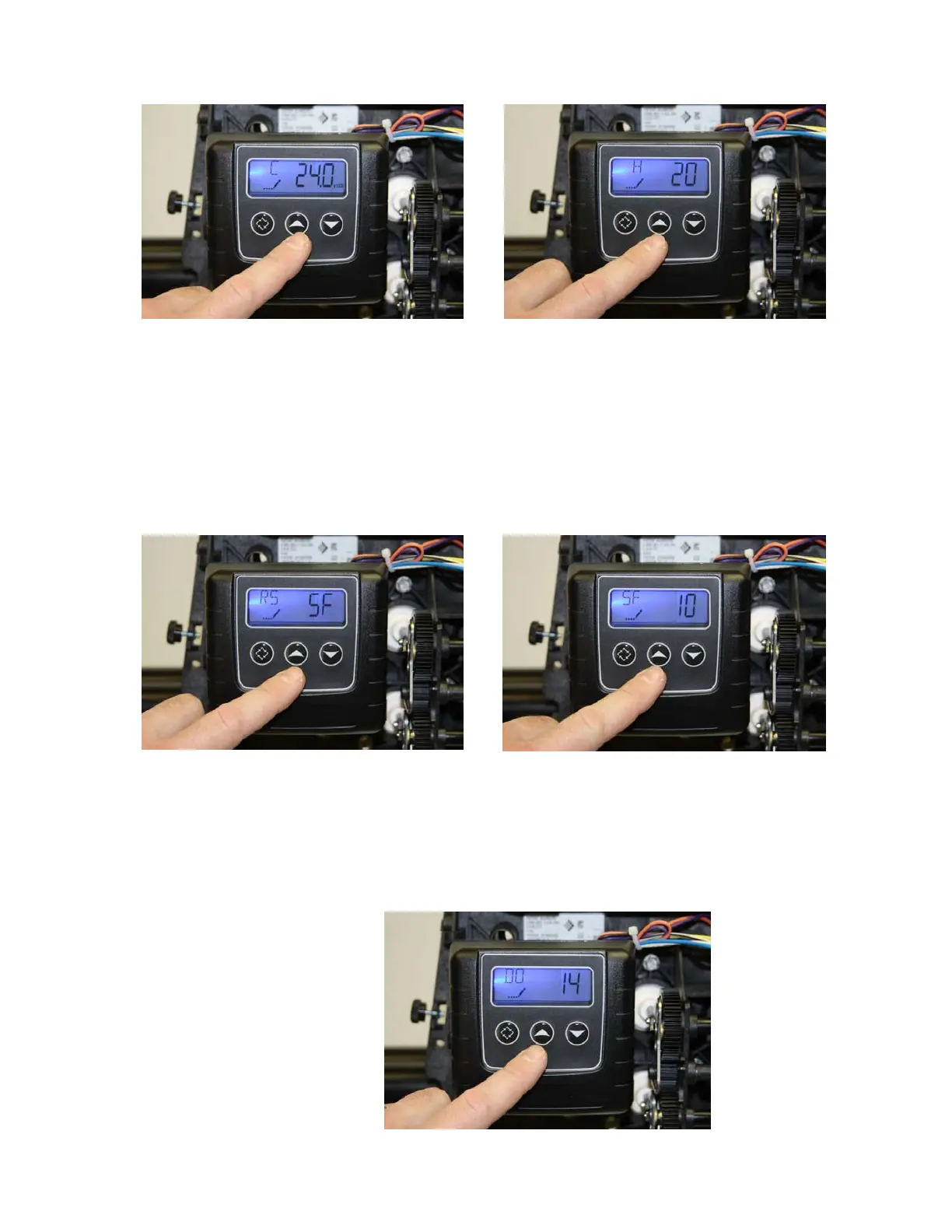
FIGURE 40 FIGURE 41
• The display should now show “RS / SF” as shown in figure 42 below. (This
indicates Reserve Selection is Safety Factor percentage) Do not change this
value, and press the “Extra Cycle Button” once to continue.
• The display should now show “SF / 20” as shown in figure 43 below. (This
indicates the Safety Factor is 20 percent) Use the “UP” or “DOWN” button to
change this value to “10”, and press the “Extra Cycle Button” once to
continue when finished.
FIGURE 42 FIGURE 43
• The display should now show “DO / 14” as shown in figure 44 below. (This
indicates the Day Override is 14 days – the system will regenerate on the 14
th
day
if the meter does not otherwise automatically initiate a regeneration based on
usage.) Do not change this value, and press the “Extra Cycle Button” once to
continue.
FIGURE 44


 To Next Page