© 1999-2007 QualityWaterForLess.com - 15 - info@qualitywaterforless.com
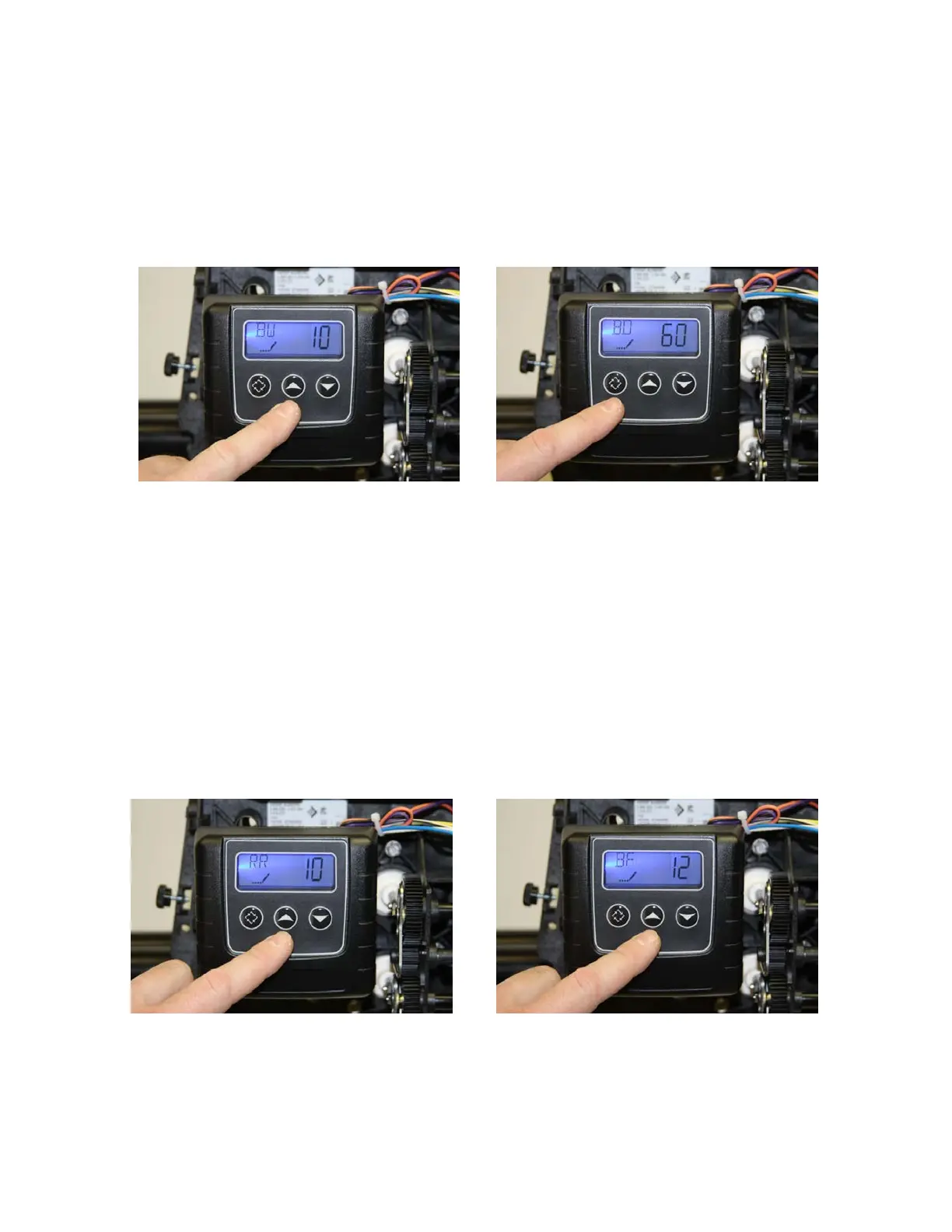
• The display should now show “BW / 10” as shown in figure 45 below. (This
indicates Backwash Time is 10 minutes in length) Do not change this value, and
press the “Extra Cycle Button” once to continue.
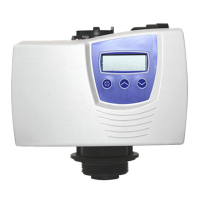
• The display should now show “BD / 60” as shown in figure 46 below. (This
indicates Brine Draw Time is 60 minutes) Do not change this value, and press
the “Extra Cycle Button” once to continue.
FIGURE 45 FIGURE 46
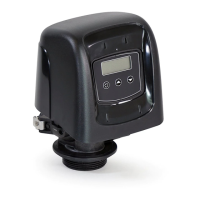
• The display may now show “RR / 10” as shown in figure 47 below. (This
indicates Rapid Rinse Time is 10 minutes) Do not change this value, and press
the “Extra Cycle Button” once to continue – if this value is different, use the
“UP” or “DOWN” buttons to change this.
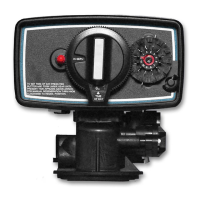
• The display may now show “BD / 12” as shown in figure 48 below. This indicates
the length of the Brine Refill Cycle during regeneration. Use the table on the
following page to determine the proper salt time setting based on the size of
your system – if this value is different, use the “UP” or “DOWN” buttons to
change this.. Change the value by pressing the “UP” or “DOWN” button
until the proper time setting is shown, and press the “Extra Cycle Button”
once to continue when finished.
FIGURE 47 FIGURE 48


 To Next Page