EasyManua.ls Logo

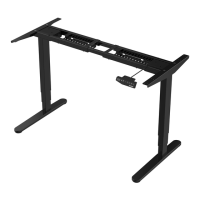
Flexispot E5B - User Manual

Flexispot E5B
6 pages
Print Icon
To Next Page IconTo Next Page
Loading...
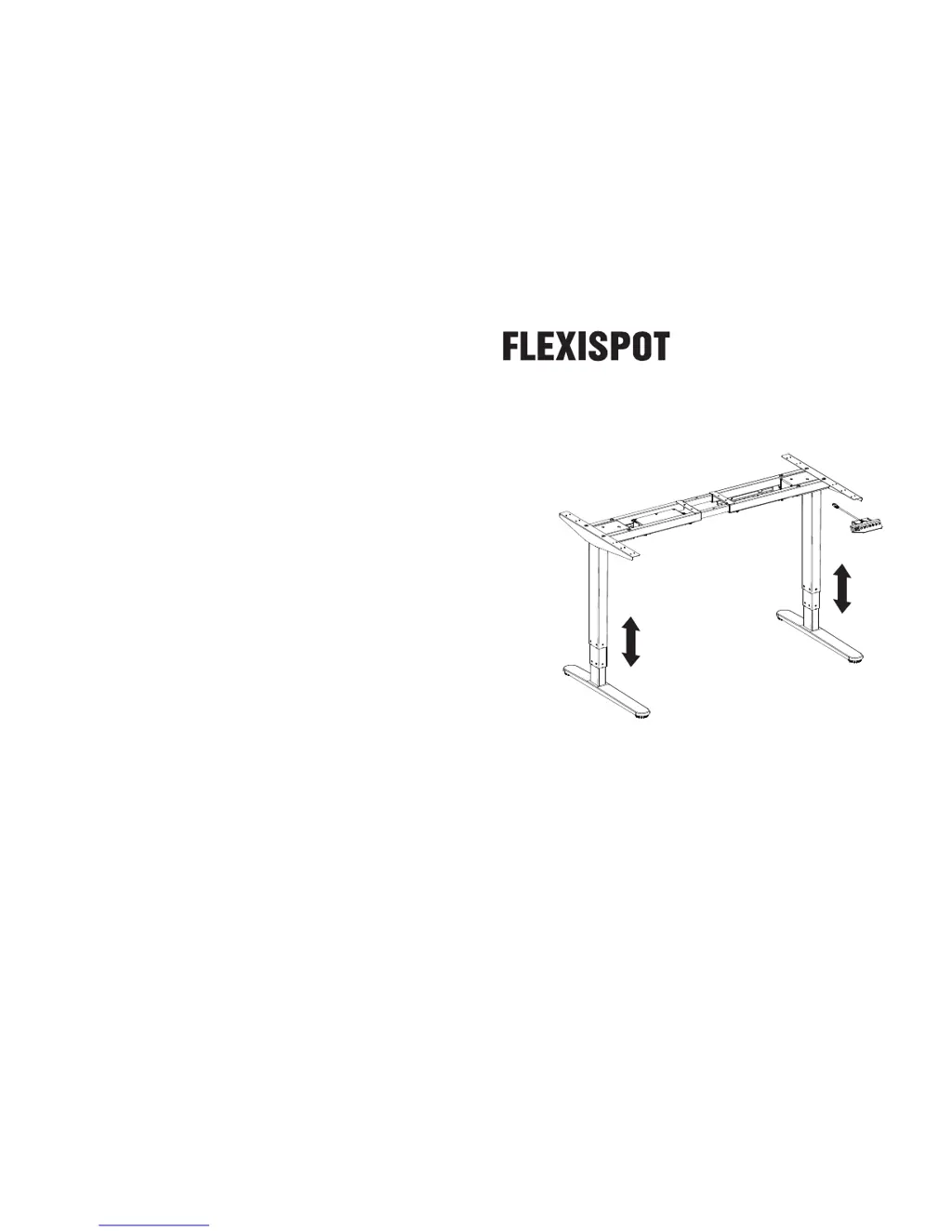
Item No. E5B/E5S
Installation Guide
Website: www.flexispot.com
Tel: 1-855-421-2808
ADDRESS: 6475 Las Positas Rd. Livermore, CA 94551

Questions and Answers

Summary

Installation Step 1

Install Supporting Beam

Attaches the supporting beam to the main frame using screws and hex key.

Installation Step 2

Install Supporting Plates

Secures the supporting plates to the frame using screws and a hex key.

Installation Step 3

Attach Feet to Legs

Connects the feet to the desk legs, ensuring correct orientation.

Installation Step 4

Install Tabletop and Adjust Beam

Mounts the tabletop and adjusts the supporting beam for table size.

Installation Step 5

Installation Step 6

Troubleshooting

FlexiSpot Limited Warranty

Flexispot E5B Specifications

General IconGeneral
ModelE5B
Frame MaterialSteel
MotorDual Motor
Noise Level< 50 dB
TypeElectric Height Adjustable Desk
Height Adjustment Range60-125 cm
Load Capacity100kg
Desktop MaterialMDF
Color OptionsBlack, White, Bamboo
Frame ColorBlack, White
Warranty5-Year Limited Warranty (Frame), 3-Year Limited Warranty (Motor)

Related product manuals