14
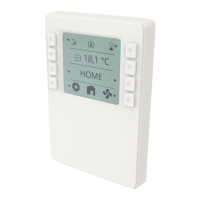
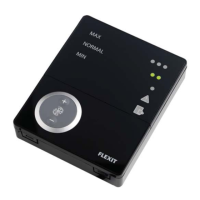
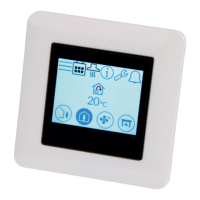
NORDICPANEL
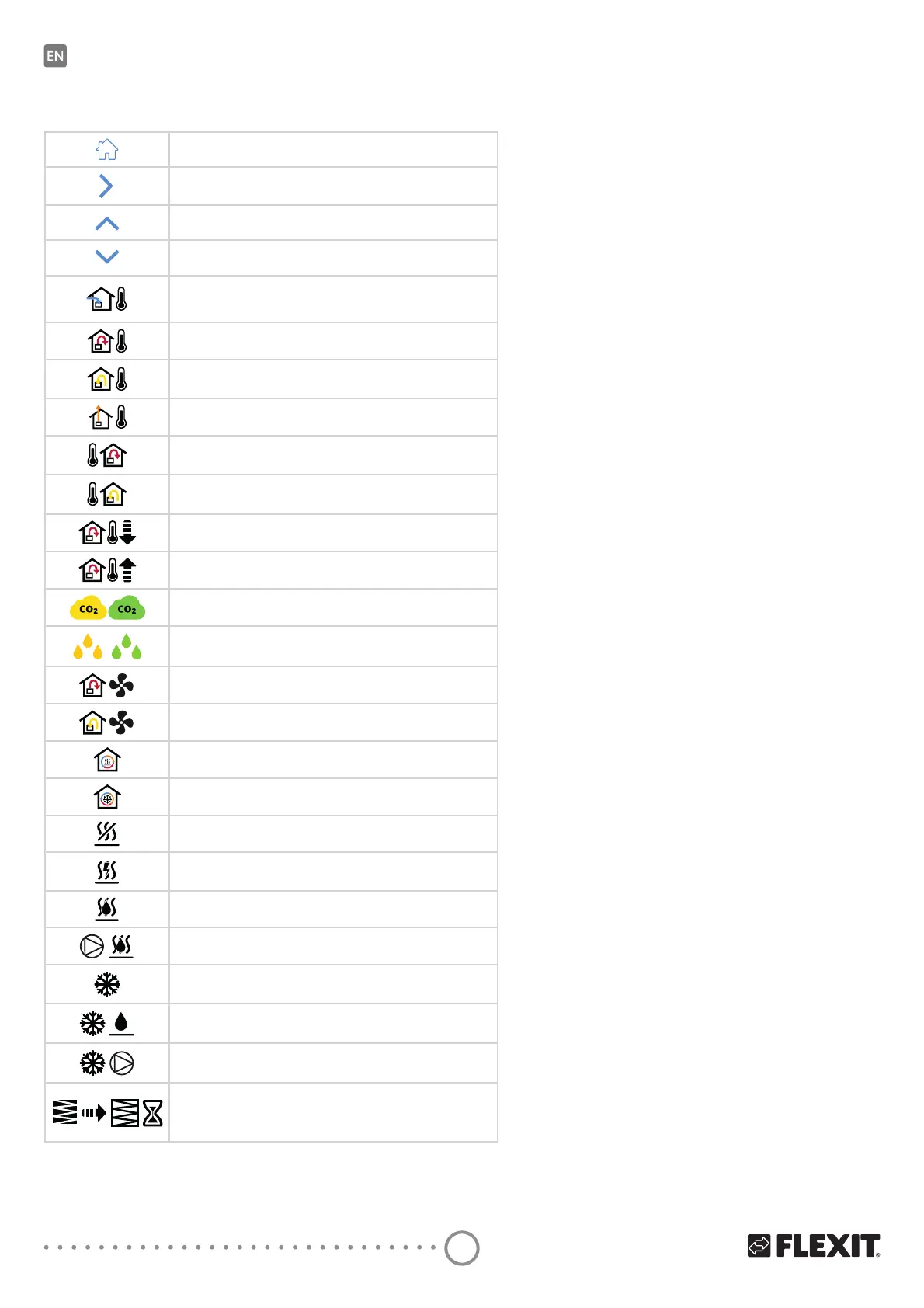
Icons for overview screen 1
Open the Home screen.
Go to Overview screen 2.
Scroll up the menu.
Scroll down the menu.
Current outside air temperature.
Current supply air temperature.
Current extract air temperature.
Current exhaust air temperature
Current temperature regulation: Supply air
Current temperature regulation: Extract air
0LQLQȵRZWHPSHUDWXUH2QO\ZLWKWHPSHUDWXUHUHJXODWLRQ
Extract air
Max. supply temperature. Only with temperature regulation:
Extract air
Indicates current value of CO
2
sensor (requires accessory)
Indicates current value of humidity sensor
(requires accessory)
Indicates the current force of supply air fan in %.
$OVRVKRZVFXUUHQWDLUȵRZP
3
/h or L/s) on EcoNordic.
Indicates the current force of extract air fan in %.
$OVRVKRZVFXUUHQWDLUȵRZP
3
/h or L/s) on EcoNordic.
Indicates the current load on the regenerator
during heat recovery in %.
Indicates the current load on the regenerator
during cold recovery in %.
ΔQGLFDWHVWKDWWKHHOHFWULFSRVWKHDWLQJFRLOLVGHDFWLYDWHG
ΔQGLFDWHVWKHORDGRQWKHHOHFWULFSRVWKHDWLQJFRLOLQ
Indicates the pressure on the valve on the water
SRVWKHDWLQJFRLOLQ
ΔQGLFDWHVWKHORDGRQRRQWKHZDWHUSXPSRQWKHZDWHU
SRVWKHDWLQJFRLO
ΔQGLFDWHVWKHORDGRQRRQWKH';FRROLQJFRQWURO
Indicates the pressure on the liquid cooling
control valve in %.
ΔQGLFDWHVWKHORDGRQRRQWKHZDWHUSXPS
on the liquid cooler.
ΔQGLFDWHVUHPDLQLQJWLPHLQGD\VEHIRUHȴOWHUFKDQJH


 To Next Page