20
NORDICPANEL
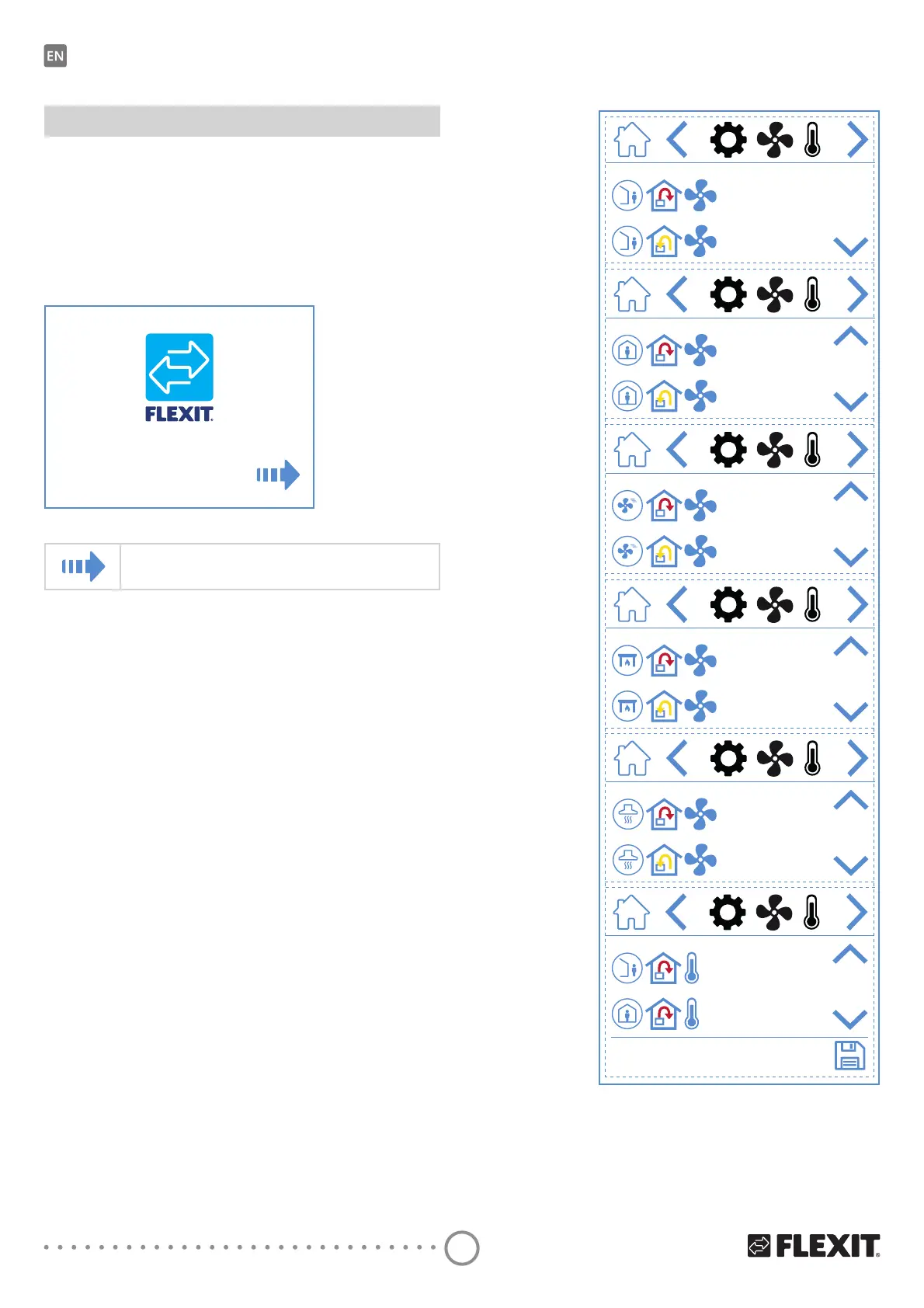
3.2. FAN AND TEMPERATURE SETTINGS
SCREEN – NORDIC
Set the desired value for all speeds and temperatures.
7KHQVDYHWRFRQȴUP\RXUVHWWLQJV7HPSHUDWXUH
regulation on the unit is set to supply air by default but
can be changed to extract air via the Flexit GO app.
30%
30%
50%
50%
100%
100%
100%
50%
100%
30%
18.0 °C
20.0 °C
3. Start-up
7KHȴUVWWLPHWKHXQLWLVVWDUWHG\RXZLOOEHWDNHQWR
DVWDUWXSPHQXZKHUH\RXFDQVHWIDQVSHHGVDQG
temperatures. Standard for Nordic units is percentage
regulation and for EcoNordic air volume (m
3
/h or L/s).
3.1. START-UP SCREEN
You see this screen when the unit starts up and speeds
and temperatures have not been set.
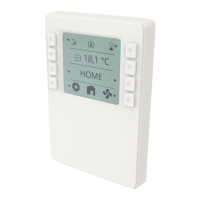
NordicPanel
v0.58
Start-up screen icons
Open fan and temperature settings


 To Next Page