H. Kamerlingh Onnesweg 2
2408 AW Alphen aan den Rijn
The Netherlands
CONFIDENTIAL - THIS DOCUMENT MAY NOT BE DISCLOSED TO ANY THIRD PARTY OR USED FOR ANY
OTHER PURPOSE WITHOUT THE EXPRESS WRITTEN PERMISSION OF AV FLEXOLOGIC BV
13. Printing mounting information (reports)
The following section describes how to print reports from the mounted plates.
Go to the quality or graphs screen and click on the “print” button
A dialogue will appear with options on how to print the report.
Table with set information.
Mounting marks information
Coordinate table with mounting marks sorted
by sets
Coordinate table including report mars
information (only possible when job was
mounted with this option) sorted by sets
The graphs of selected sets
Press OK to generate the report.
The report will standard be saved as report.rpt, or the custom name is given in the dialog box.
14. Microdot not recognized at pickup position
This section describes how to solve the microdot not being recognized on the FAMM when the plate has
gone too far beyond pickup position.
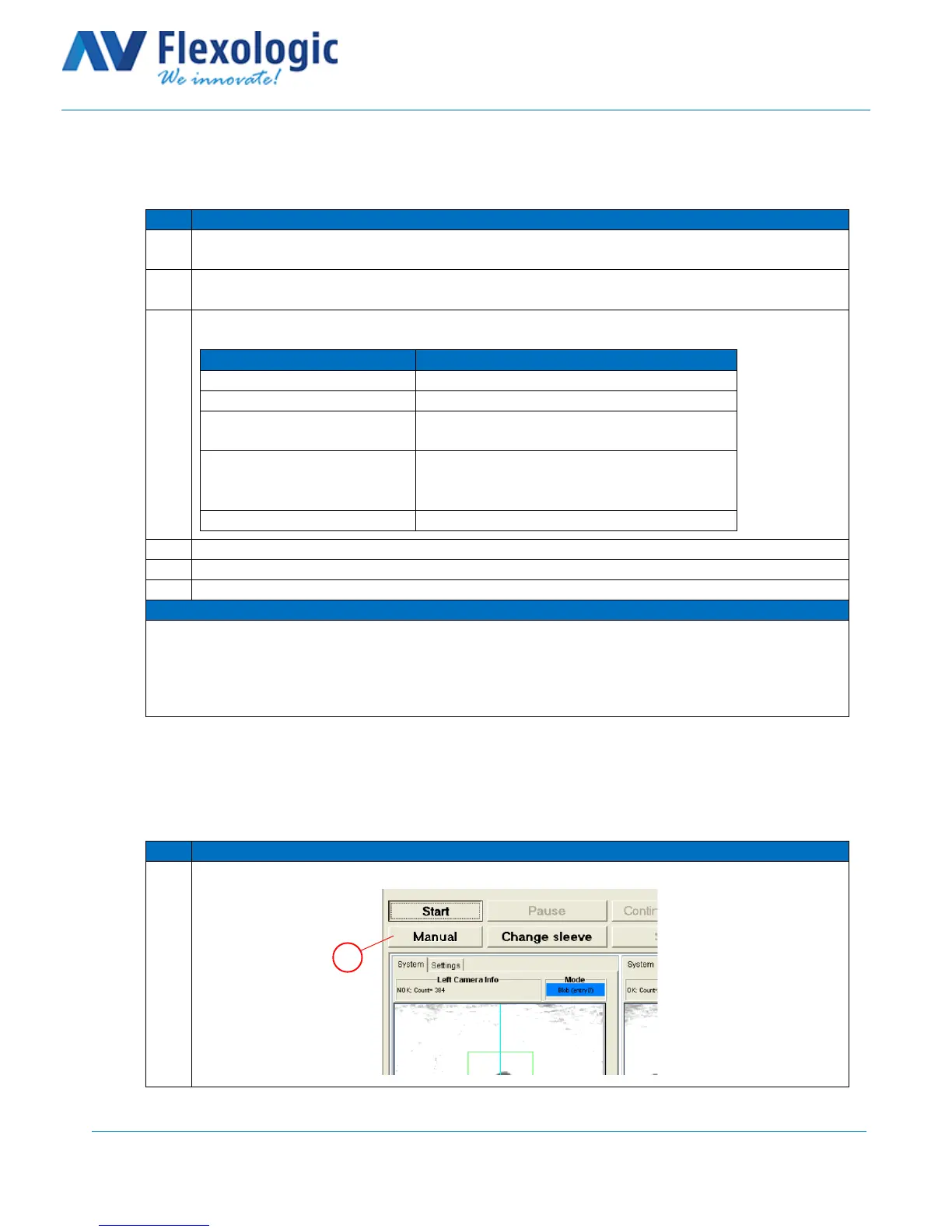
Click on “Manual” (A) at the pickup position when the microdots are not found.



 To Next Page