H. Kamerlingh Onnesweg 2
2408 AW Alphen aan den Rijn
The Netherlands
CONFIDENTIAL - THIS DOCUMENT MAY NOT BE DISCLOSED TO ANY THIRD PARTY OR USED FOR ANY
OTHER PURPOSE WITHOUT THE EXPRESS WRITTEN PERMISSION OF AV FLEXOLOGIC BV
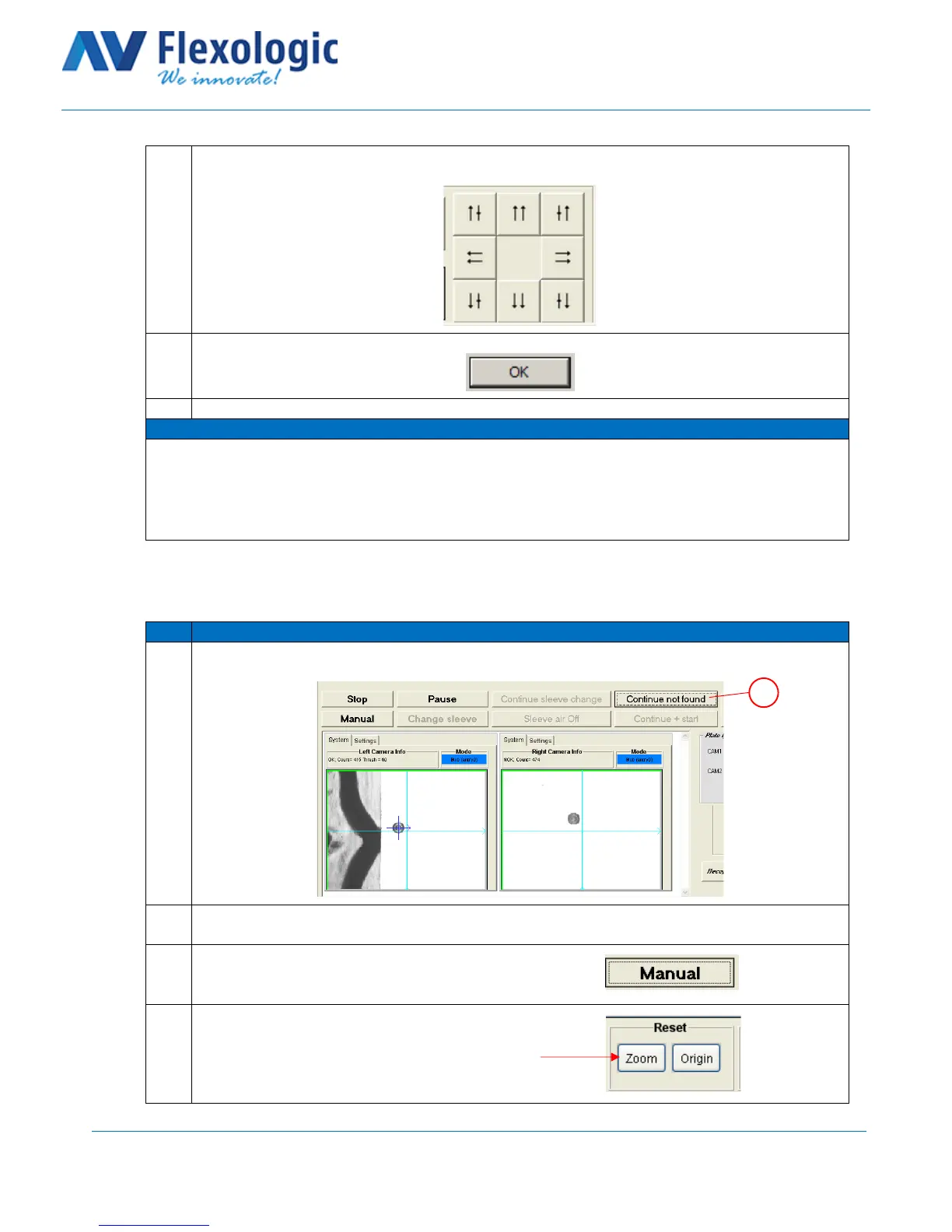
Use the arrows on the bottom right to move the plate backwards and get the microdots within
the field of view of the camera.
Click on “Close” and “Ok” to continue automatic mode.
15. Microdots not recognized at mount position
This section describes the microdots not being recognized by the FAMM at mount position.
When the button continue not found (A) is blinking, check if the microdots are within the field of
view of the camera;
When the microdots are not in the field of view, go to section13. If they are within the field of
view of the cameras continue to the next step.
Click on “manual” to enter the Semi-auto mounting screen:
Reset the zoom by clicking on “zoom” in the reset box:



 To Next Page