Page 3 © 2017 FlexRadio Systems, v1.0.0
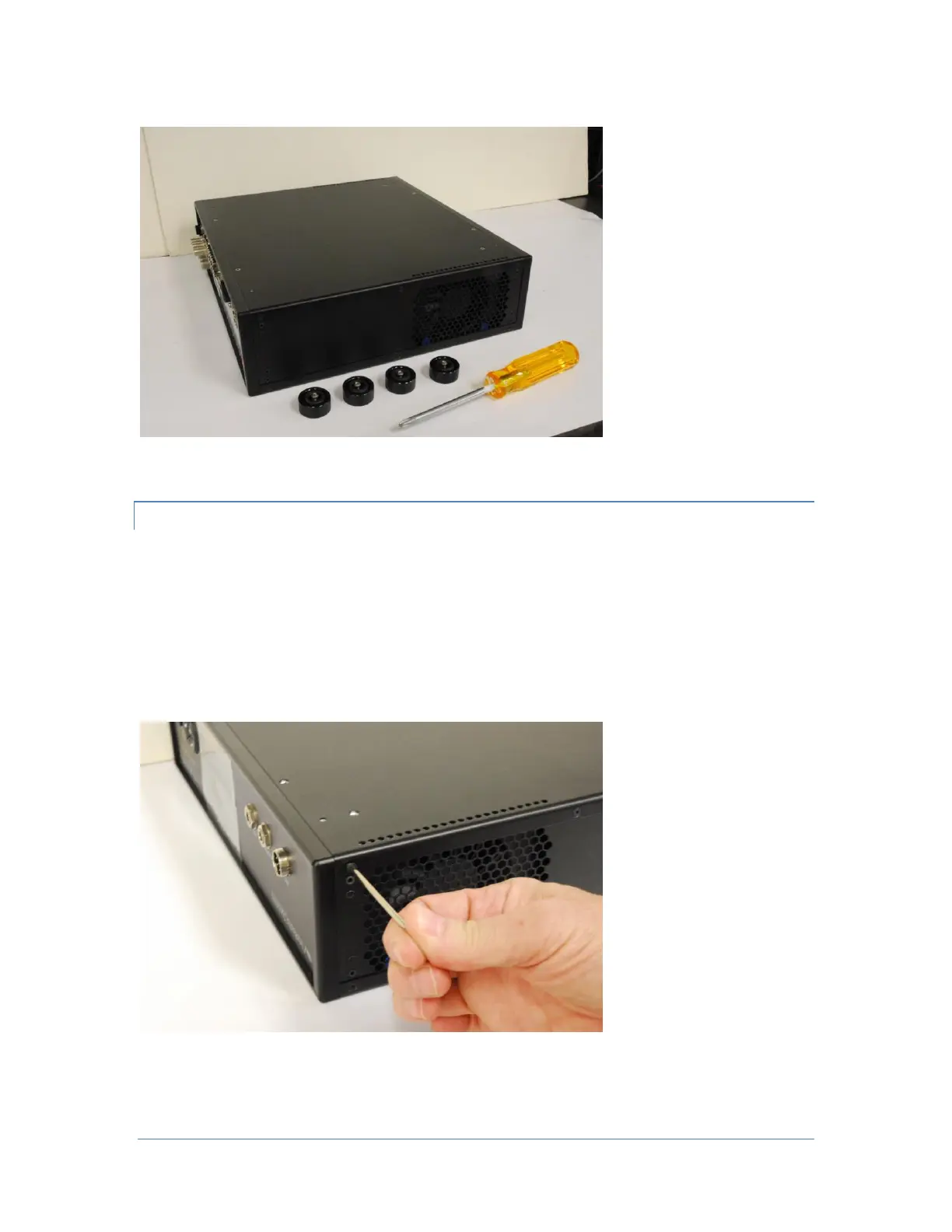
The image below shows all four (4) chassis feet removed.
Removing the Bottom Cover
The bottom chassis cover for the FLEX-6000 must be removed before the MicroSD card can be installed.
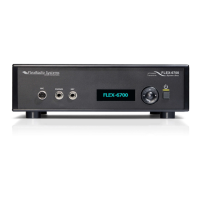
A #8 TORX wrench remove the three (3) short Bottom Cover Side screws from the left side of the FLEX-
6000.
Then remove the remaining three (3) short Bottom Cover Side screws from the right side of the FLEX-
6000. Retain the Bottom Cover Side screws for re-installation. The image below shows the removal of the
left side bottom Cover Side screws.


 To Next Page