–19–
SETTING THE V-CHIP
An age limitation can be set to forbid children to see and hear violent scenes or pictures for adults, etc.
The TV/VCR responds to “TV RATING” and “MOVIE RATING”. To use the V-CHIP function, you must
register a password.
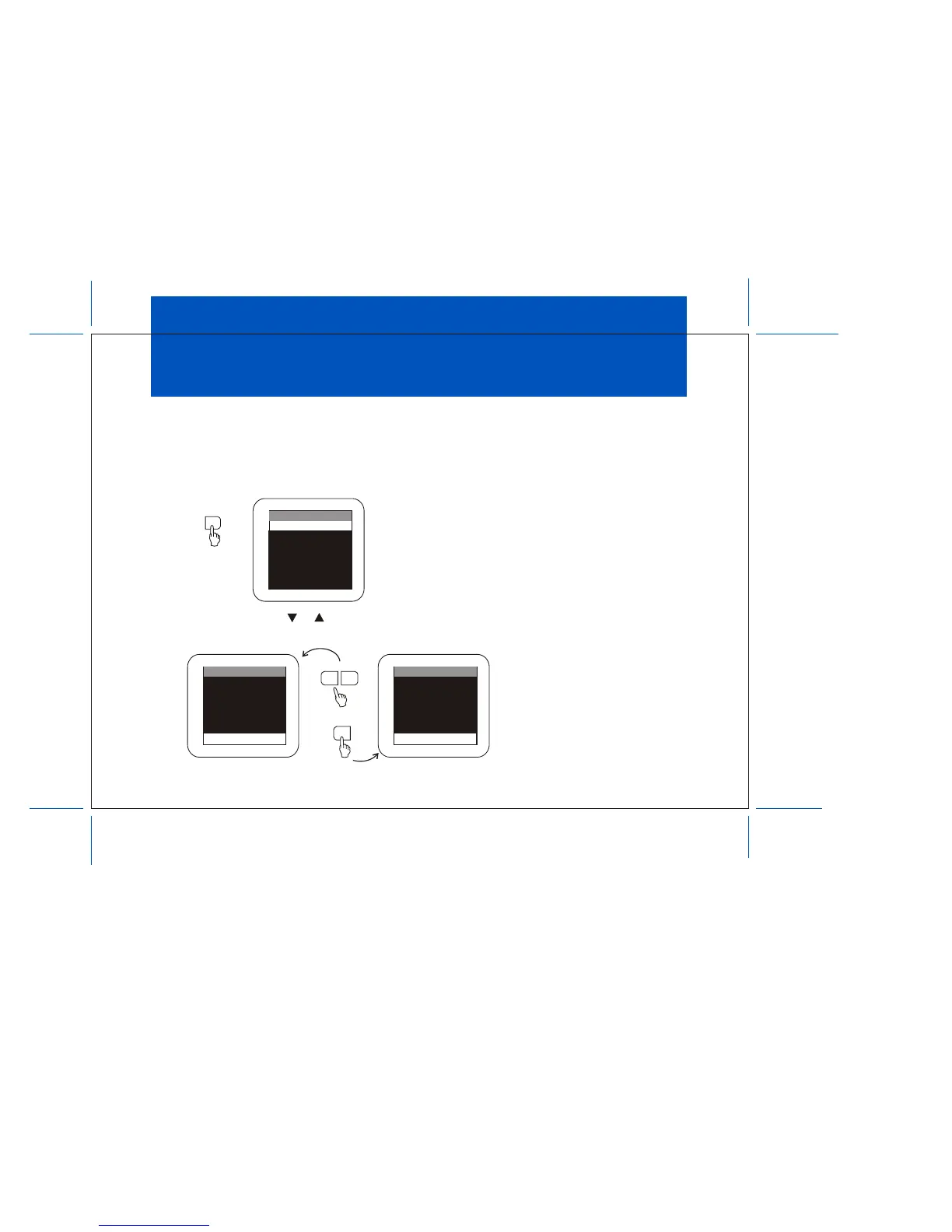
1. Press MENU. This main menu appears.
1. Press either CHANNEL t or s to select the function.
Make sure the highlight bar is SET PASSWORD and then press ENTER.
MENU
MAIN MENU
SELECT VIDEO
CLOSED CAPTION
SET PICTURE
AUTO-PROGRAM
ANTENNA INPUT
V-CHIP PROTECT
SET PASSWORD
MAIN MENU
SET PASSWORD
SELECT VIDEO
CLOSED CAPTION
SET PICTURE
AUTO-PROGRAM
ANTENNA INPUT
V-CHIP PROTECT
PASSWORD
OLD PASSWORD
SELECT VIDEO
CLOSED CAPTION
SET PICTURE
AUTO-PROGRAM
ANTENNA INPUT
V-CHIP PROTECT
CHANNEL
ENTER
s
s



 To Next Page