EasyManua.ls Logo

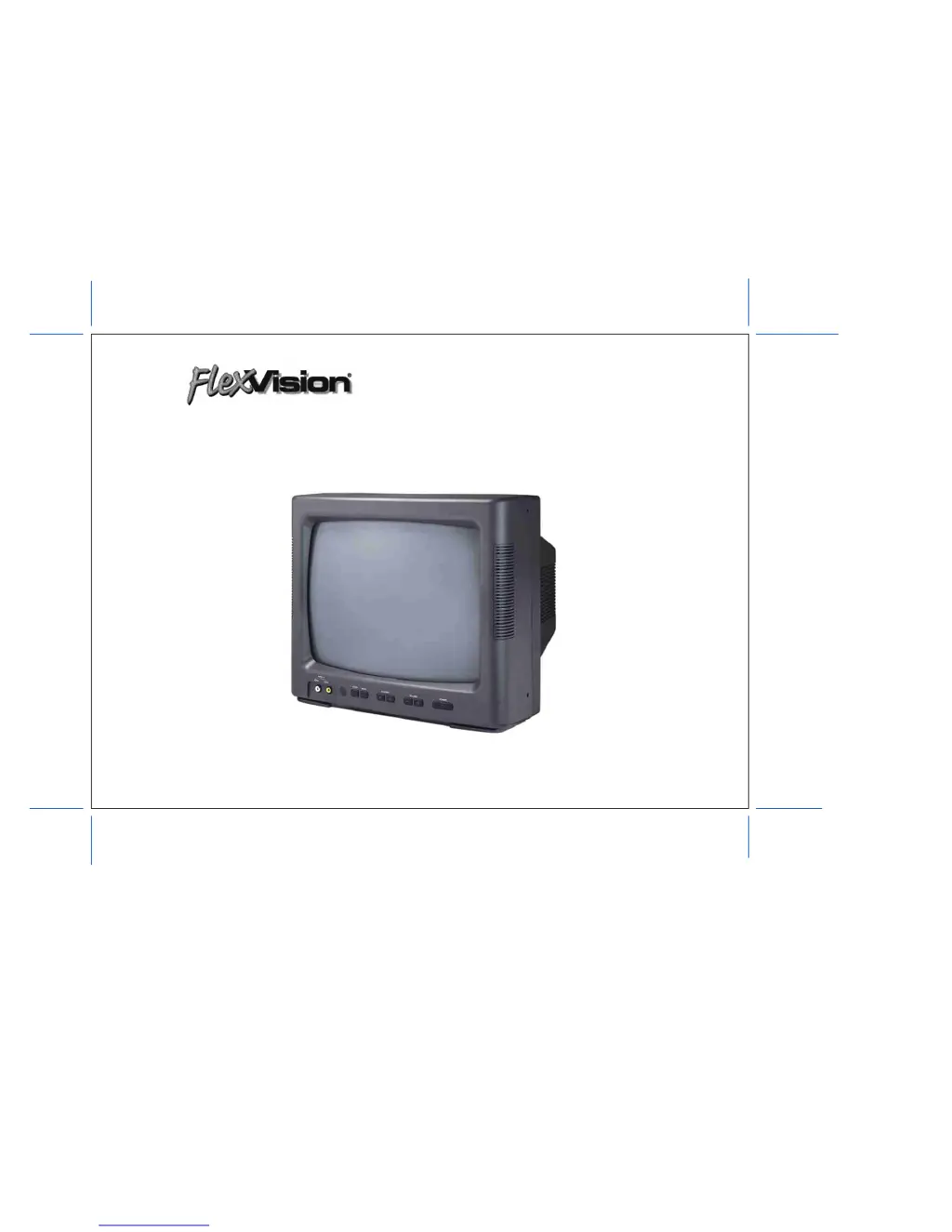
flexvision AVT-1498 - User Manual

flexvision AVT-1498
39 pages
Print Icon
To Next Page IconTo Next Page
Loading...
13” COLOR TV/MONITOR
DC OPERATION WITH REMOTE CONTROL
AVT–1498 OPERATING INSTRUCTIONS
SPECIALLY DESIGNED FOR THE
VAN AND AUTOMOTIVE INDUSTRIES

Questions and Answers

  • L
    Linda CollinsJul 31, 2025
    Why are there discolored areas (purple) on my Flexvision CRT TV picture?
    • W
      William RamirezJul 31, 2025
      The discolored areas (purple) on your Flexvision CRT TV picture are likely due to magnetic fields. To correct this, turn the TV on for one minute, then turn it off for 10 seconds, and then turn it back on. The TV will 'degauss' and correct the discoloration.
  • C
    castanedaashleyAug 10, 2025
    What to do if my Flexvision CRT TV set will not turn on by remote, and the indicator is dimly lit?
    • L
      Linda MathewsAug 10, 2025
      If your Flexvision CRT TV set will not turn on by remote and the indicator is dimly lit: * Try depressing the power button on the front of the TV, in case the TV’s remote sensor is blocked. * Start the vehicle engine, in case the remote control is inoperative. * Check for a weak connection. * Replace the batteries, if the remote batteries have low voltage.
  • M
    mclaughlintaraAug 19, 2025
    What to do if the indicator light on my Flexvision CRT TV is not on?
    • G
      Gregory HicksAug 19, 2025
      If the indicator light on the front of your Flexvision CRT TV is not on: * Check that the power cord is plugged into the jack of the TV. * Check the in-line fuse of the power cord, either on the red wire or in the lighter plug. * Check the fuse in the TV (20 x 5 mm 5 amp). * Unplug the power cord and test for 12 VDC positive and ground at the coaxial DC plug. * Turn on the overhead switch panel (if applicable), as it may control power to the TV.

Summary

Recommended Guidelines for Safe Motor Vehicle Use

Explanation of Graphic Symbols

Important Safety Information

Service Safety Information

Power Requirements

Car Battery Operation

Connects the TV to the vehicle's power supply using a cigarette lighter adapter.

Front Panel Controls Overview

Rear Panel Controls and Ports

Parental Control Settings Description

Remote Control Battery Installation

Remote Control Operation Guide

Picture Quality Adjustment Guide

Setting Closed Captioning

Cable TV (CATV) Operation

Cable TV Tuning Procedure

Parental Control Settings

Setting the V-Chip Password

V-Chip Protect and TV Ratings

TV Ratings Chart

Lists TV rating categories (TV-Y, TV-G, TV-Y7, TV-PG, TV-14, TV-MA) for content filtering.

Movie Ratings Chart

Movie Ratings Chart

Lists movie rating categories (G, PG, PG-13, R, NC-17, X, N/R) for content blocking.

Technical Information: Antennas and Frequencies

UHF;VHF Frequencies

Explains the difference in wavelengths between VHF and UHF signals for antenna selection.

Antenna Considerations

Discusses factors like metallic paint and vehicle obstruction affecting antenna performance.

Technical Information: Signal Loss

Signal Loss Factors

Details factors causing signal loss, such as connections, coax, grounding, and splitters.

Technical Information: DC Power

DC Power Sources and Operation

Discusses DC power sources and their impact on 12-volt DC audio and video products.

DC Voltage and Amperage

Outlines voltage range, factors affecting voltage drop, and amperage draw comparisons.

Technical Information: Power System Details

Amperage Draw and Battery Drain

Compares amperage draw between TVs and VCPs and the effect of engine-off operation.

Converters and Ignition System Noise

Discusses RV converters, AC ripple, and noise from ignition systems affecting performance.

Troubleshooting Common Issues

Accessories List

flexvision AVT-1498 Specifications

General IconGeneral
Brandflexvision
ModelAVT-1498
CategoryCRT TV
LanguageEnglish