Page 11
・ Audio level of Intercom
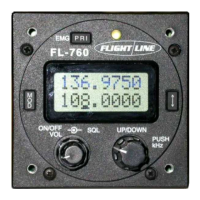
① Push the “MOD” button and select the INT.
② Turn on the dial switch and Select the 00 to 80.
③ Push the arrow key, enter the Intercom sensitivity.
・ Time out time of transmit.
① Push the “MOD” button and select the TOT.
② Push the dial switch and select the OFF, 01, 03 or 05 (minutes).
③ Push the arrow key, enter the TOT time.
・ Busy lockout of transmit. (If the radio is receiving a signal then it can not transmit)
① Push the “MOD” button and select the BLO.
② Push the dial switch and select the OFF or ON.
③ Push the arrow key, enter the busy lockout function.
6.7 Music input
You can listen to music.
The music will automatically mute when radio or intercom traffic is detected.
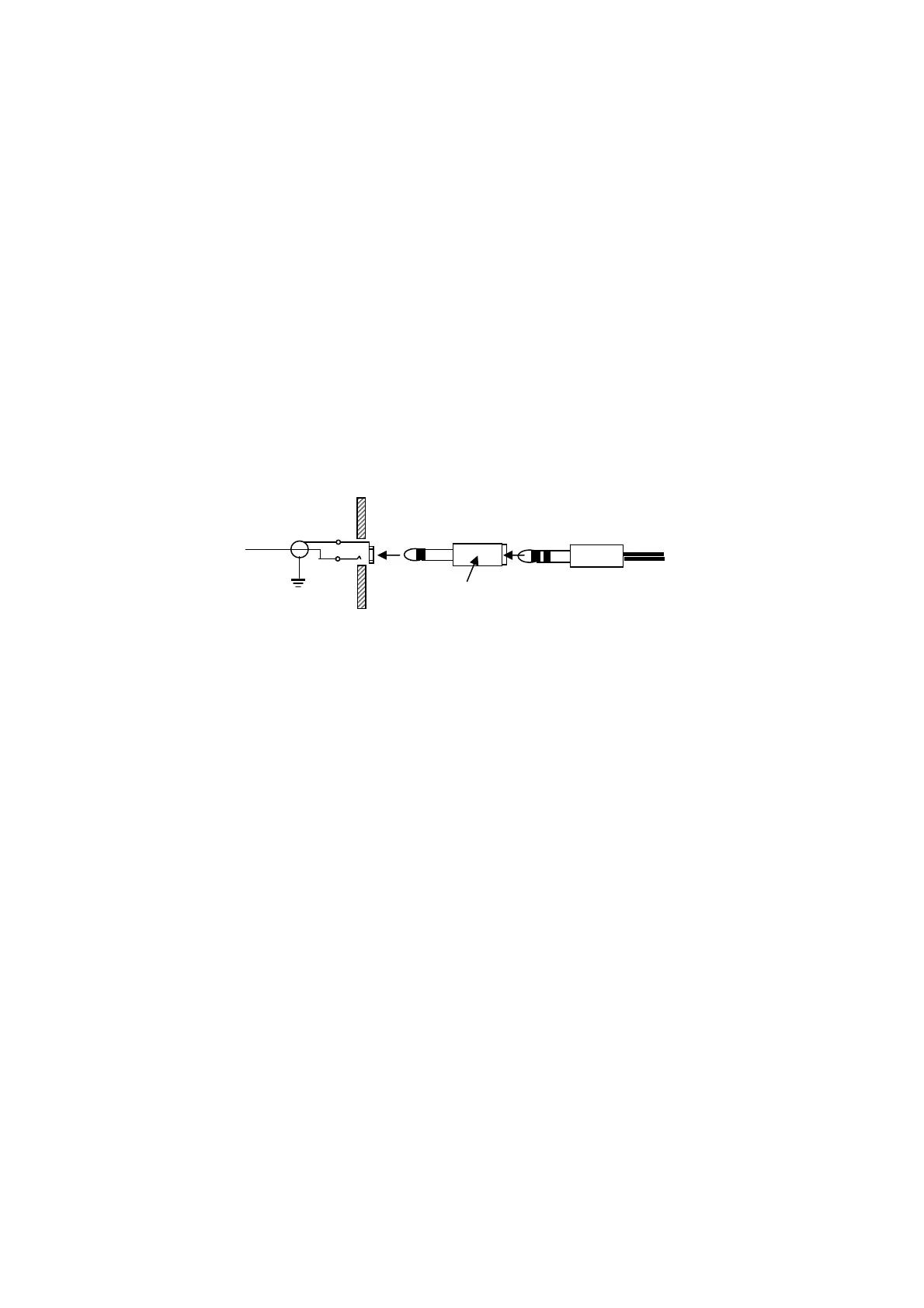
Connection example
Music player
Stereo to monoral conversion
Music will remain muted for three seconds after the last transmission.


 To Next Page