5. Xtender Monitoring Program for PC
If you leave any messages by using the Comment Function during operation of Xtender or
BMS, you can read it when you activate the Log file saved.
INTEGRATED MONITORING PROGRAM – LOG FILE VIEWING &
PRINTING
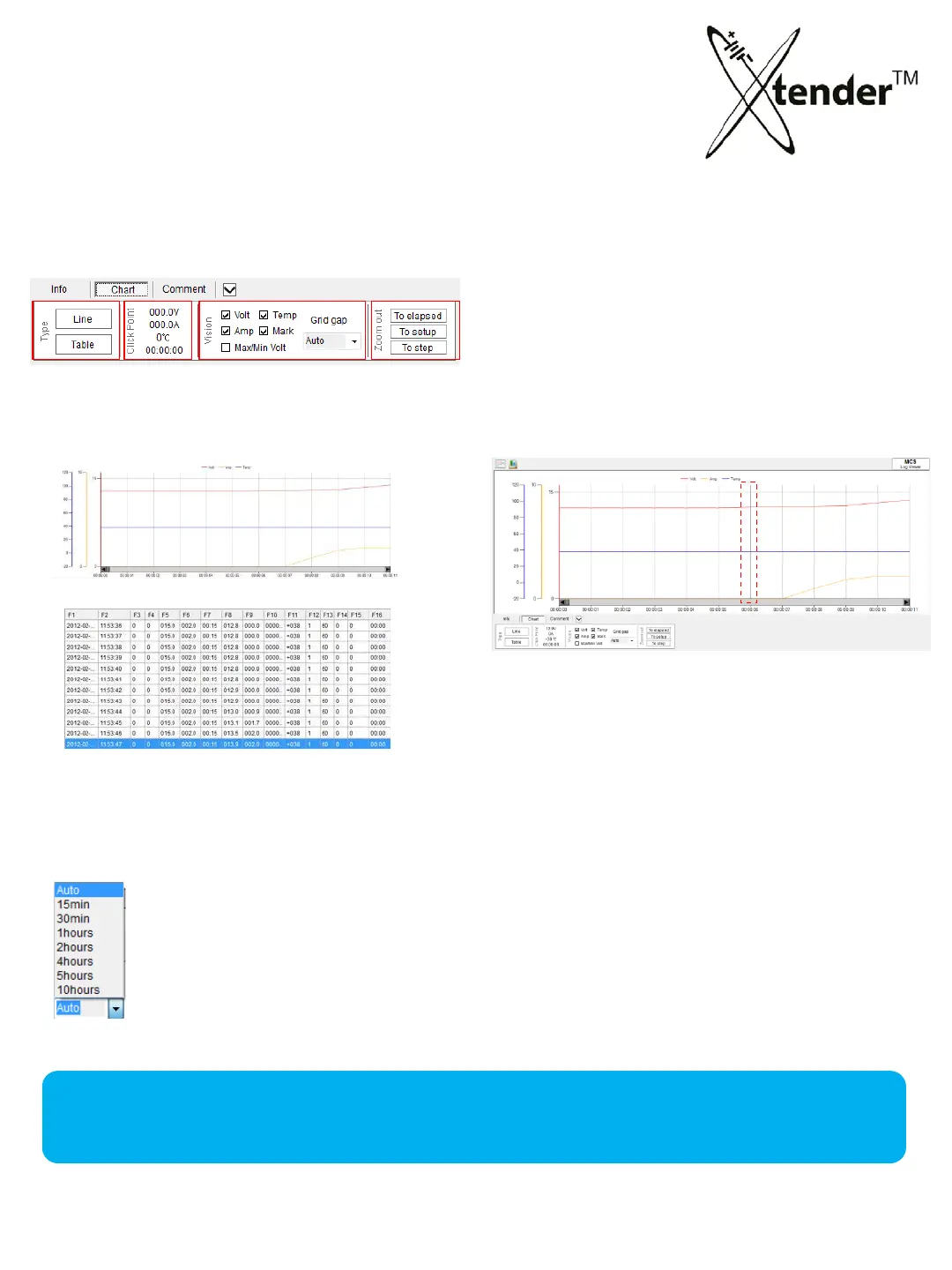
Xtender Log file : Bottom Menus
[Line Graph]
[Table chart]
1
1. Type
2 3
2. Check Point
Check Point Function : Possible to check the information
of Voltage, Ampere, Temperature, Time on the point of
the line graph by selecting each line.
3. Vision
Select items to be shown on the screen
.
You can select “Grid gap” on the
list to show up as per your choice.
4
4. Zoom out
• To elapsed : until elapsed time
• To setup : until set time
• To step : return to previous range
72



 To Next Page