Programming Menu System
6
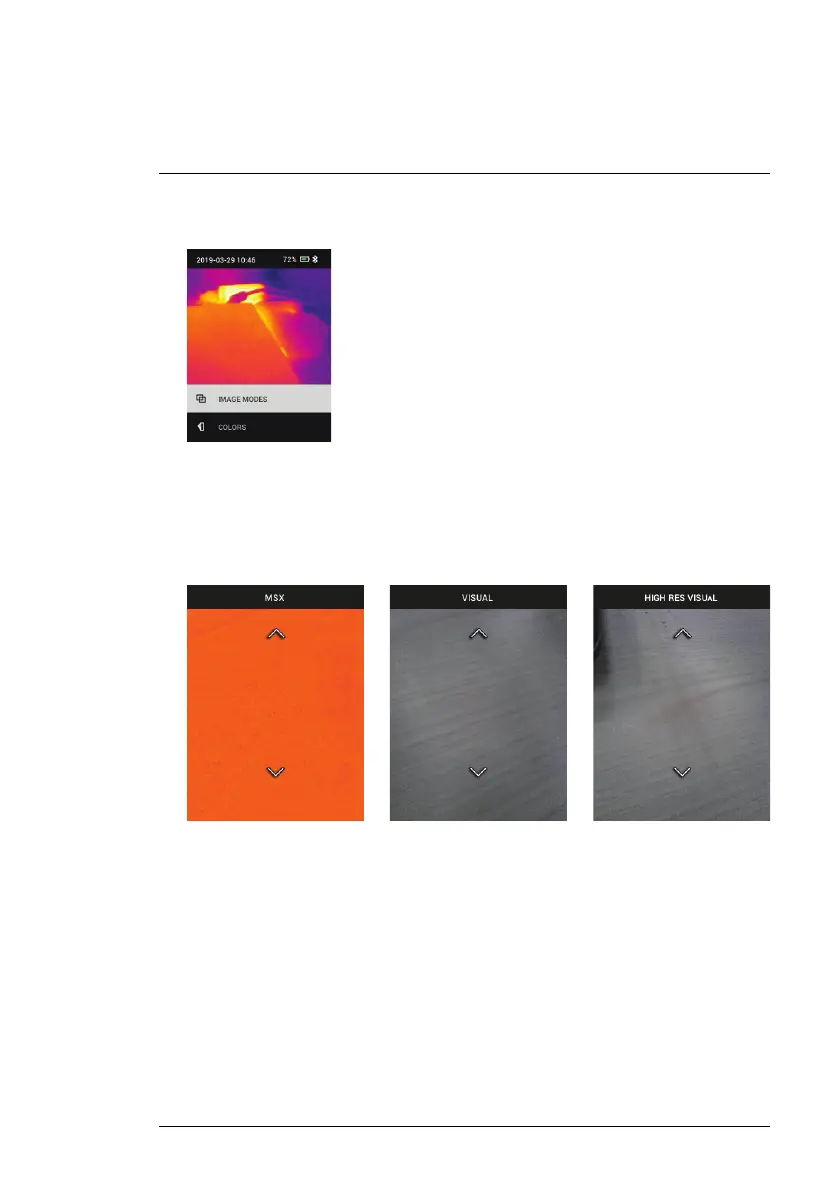
1. Image Modes: Press MENU at IMAGE MODES to open the Image Mode
menu.
Use the arrow buttons to select an image mode: THERMAL PLUS VISI-
BLE (MSX®), VISIBLE (QVGA 320 x 120 pixels), or HIGH RESOLUTION
VISIBLE mode (2M: 1600 x 1200 pixels). Note that the High Resolution
Visible Image mode does not support object temperature measurements
(and the centre spot can not be switched ON/OFF in this mode).
#NAS100014; r. AK/74592/74592; en-US
14


 To Next Page