FlashSight™ User’s Guide
Copyright © 2006, FLIR Systems, Inc. 431-0002-09-10 Version 100 7
4 FlashSight User Controls
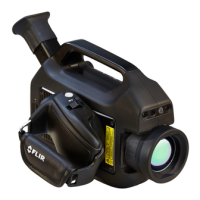
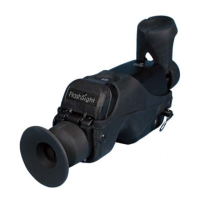
Figure 8 shows the location of all user controls on the FlashSight. Detailed
descriptions for using these controls are described herein.
Figure 8: FlashSight User Controls
4.1 On/Off Button
The “on/off” button is located on the left-side of the FlashSight assembly. To
turn the system on, simply press the button, then release. To prevent
inadvertent turn-off, the button must be held for 2 seconds to power down
FlashSight. The button delay is to prevent inadvertent system turn-off.
Image
Capture
Lens Ca
Lens Focus
On/Of
Eyepiece focus
Menu Control
b
Left side
Shutter Control
(c) Right side
(a) Top


 To Next Page