Need help?
Do you have a question about the FLOJET R3526144 and is the answer not in the manual?
Instructions for operating the automatic water system pump, including startup and shutdown procedures.
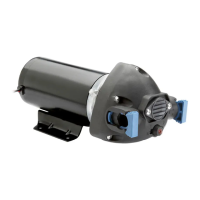
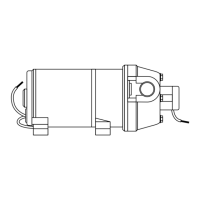
Visual representation of the pump with key dimensions for installation and reference.
Step-by-step instructions for physically mounting and connecting the water system pump.
Guidance on correctly connecting the pump to the power source, including switch and fuse.
Diagnosing and resolving problems like failure to prime, motor not turning on, or low flow.
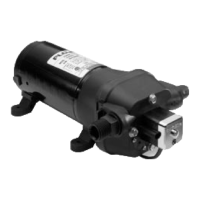
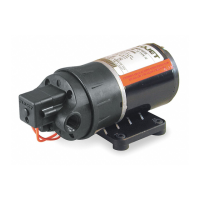
Identification and part numbers for key components of the automatic water system pump.
Available accessories such as port connectors and strainers for the pump system.
Steps to protect the pump and plumbing system from freezing damage during cold weather.
Instructions for disinfecting the portable water system using bleach solution.
Details on the limited warranty coverage for the FLOJET water system pump.
Guidelines for returning a product for service or replacement.
 General
| Model | R3526144 |
|---|---|
| Type | Diaphragm Pump |
| Voltage | 24V DC |
| Flow Rate | 1.0 GPM (3.8 LPM) |
| Weight | 1.2 lbs (0.54 kg) |
| Self-Priming | Yes |
| Material | Polypropylene |

 To Next Page